Sketch to Video
Draw the Idea. Watch It Move.
Turn sketches, storyboards, architecture and product concepts into short moving scenes.
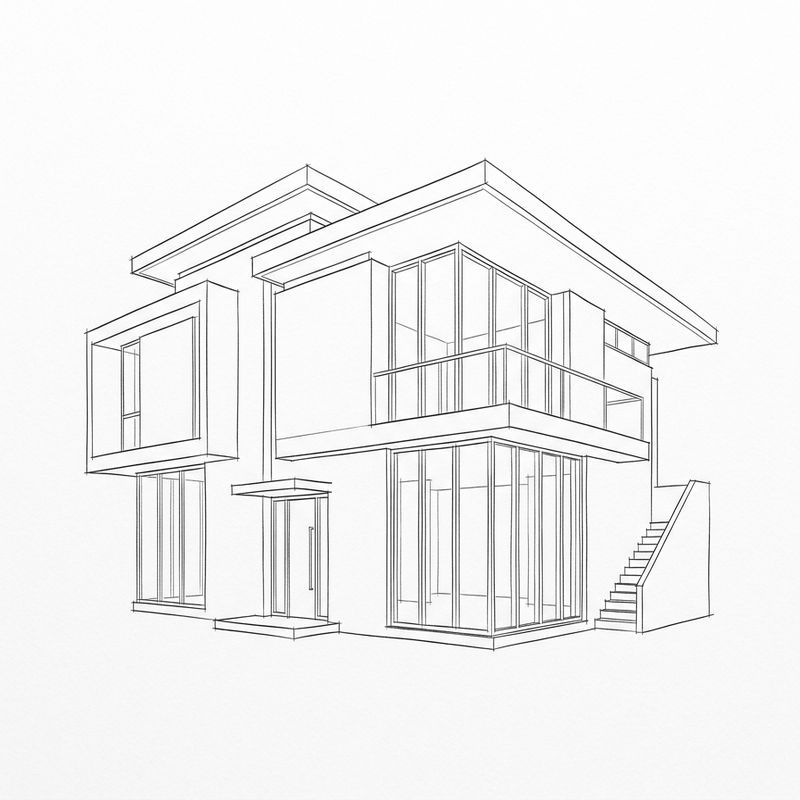
Animate a sketch
Choose how the sketch should move.
From lines to motion.
Test an action beat before filming or animation.
Test camera direction and action before production.
Animate a storyboard →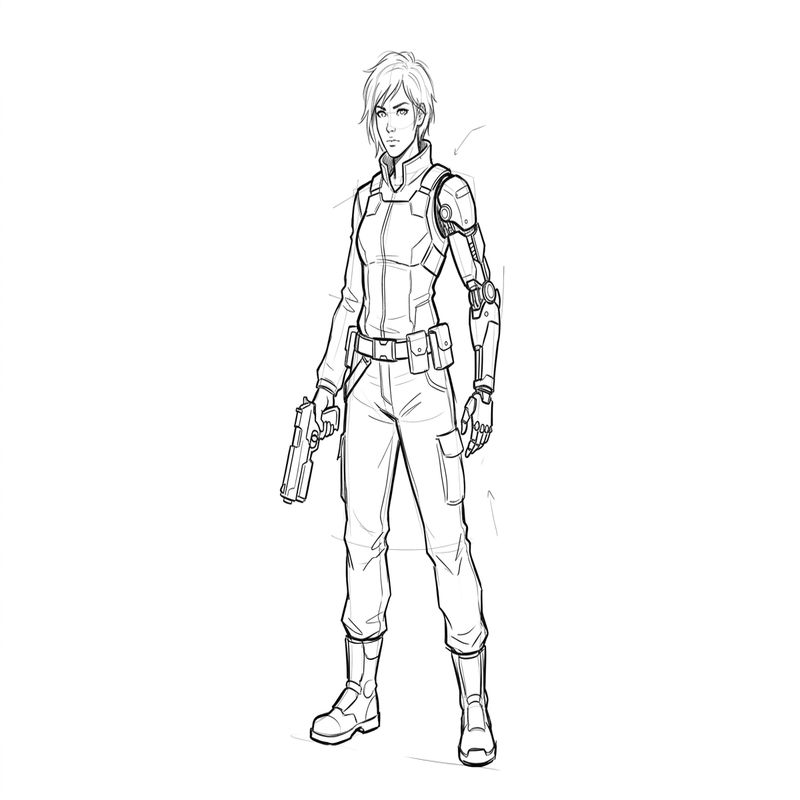
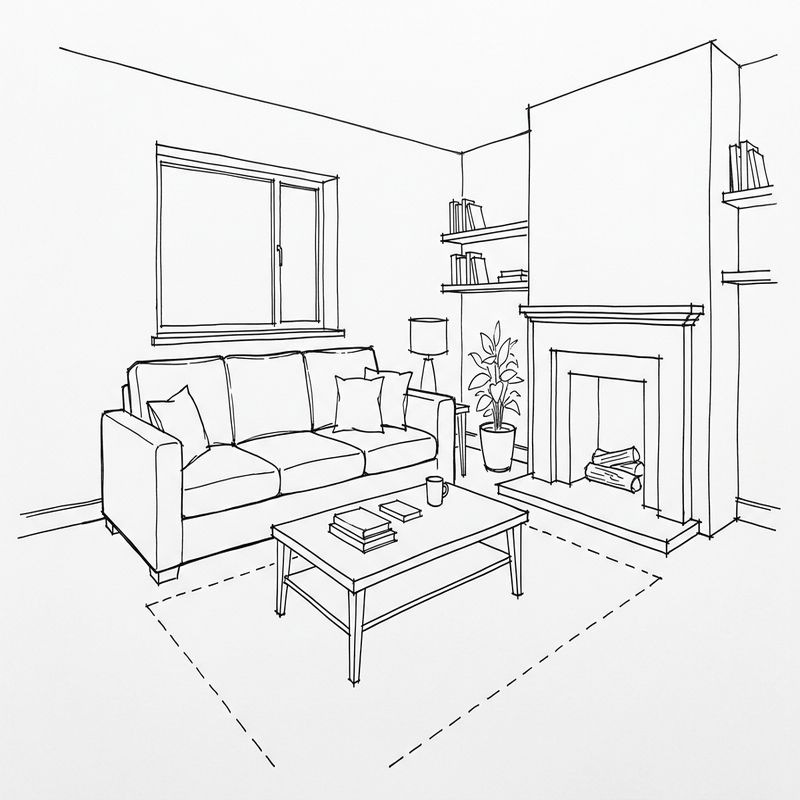
Turn a spatial idea into a short walkthrough.
Explore space, perspective and camera movement.
Animate an architectural sketch →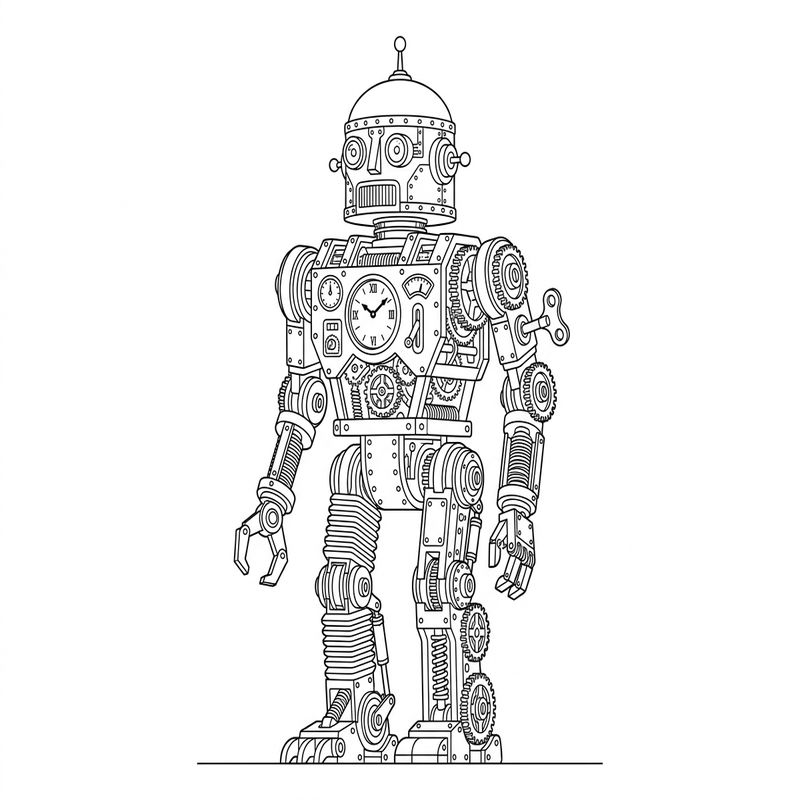
Keep the drawing language while adding motion.
Add motion while preserving the drawing language.
Animate an illustration →Sketch motion library.
Quick questions.
What kinds of sketches work best?
Clear subject silhouettes, separated elements and visible composition usually produce more consistent results. Pencil, ink, digital line art, storyboard frames and concept drawings can all be used.
Can I keep the original sketch style?
Yes. Select Preserve Sketch Style or move Render Balance toward Sketch. The generated video can still vary from the exact source lines.
How long does generation take?
Generation may take several minutes depending on the selected model, duration, sketch complexity and queue.
Can I use architectural or product results as technical documentation?
No. These videos are conceptual visualizations and should be reviewed by qualified professionals before any technical or production use.