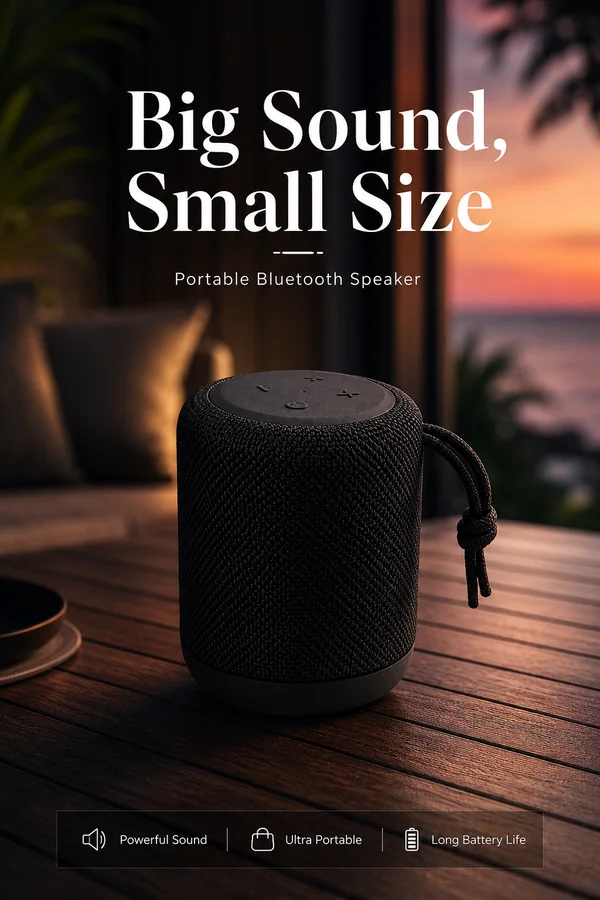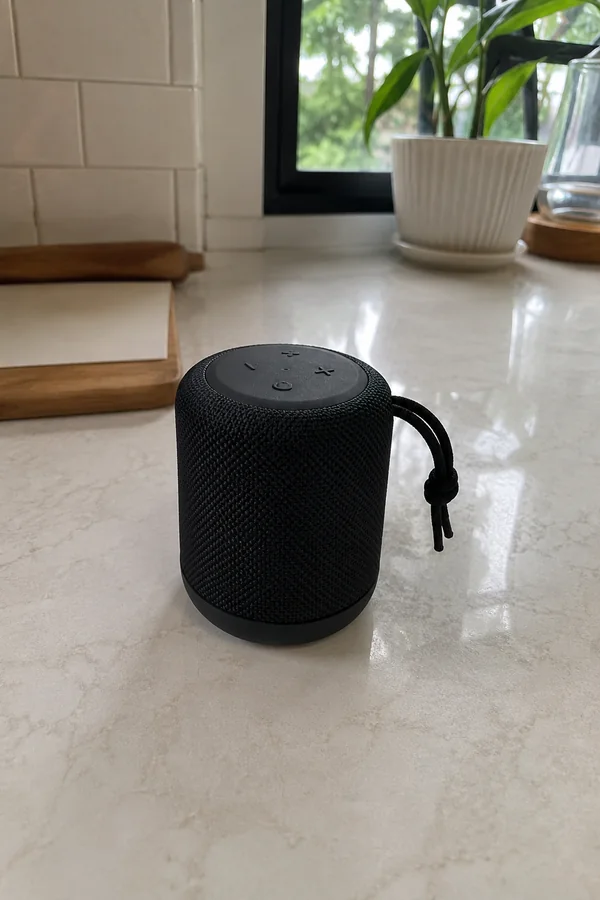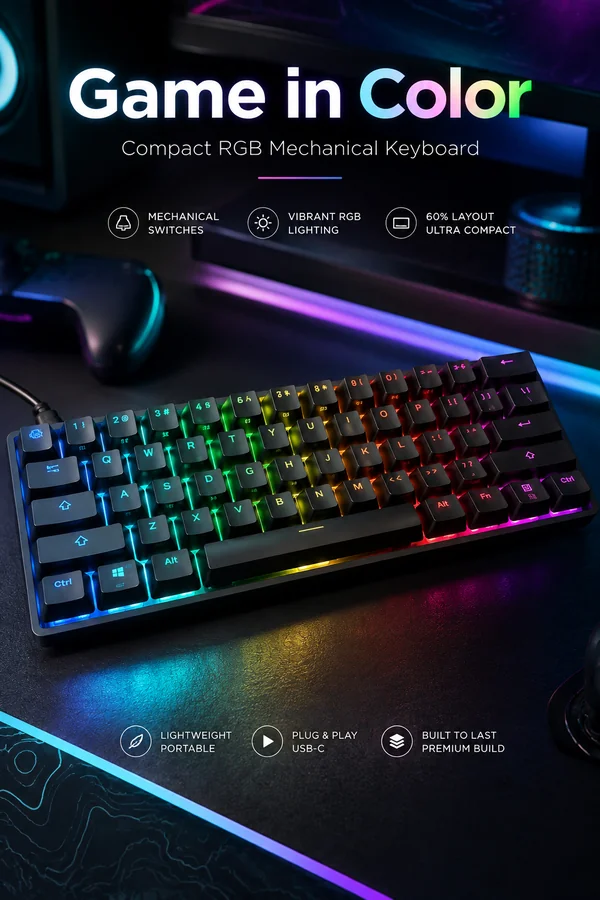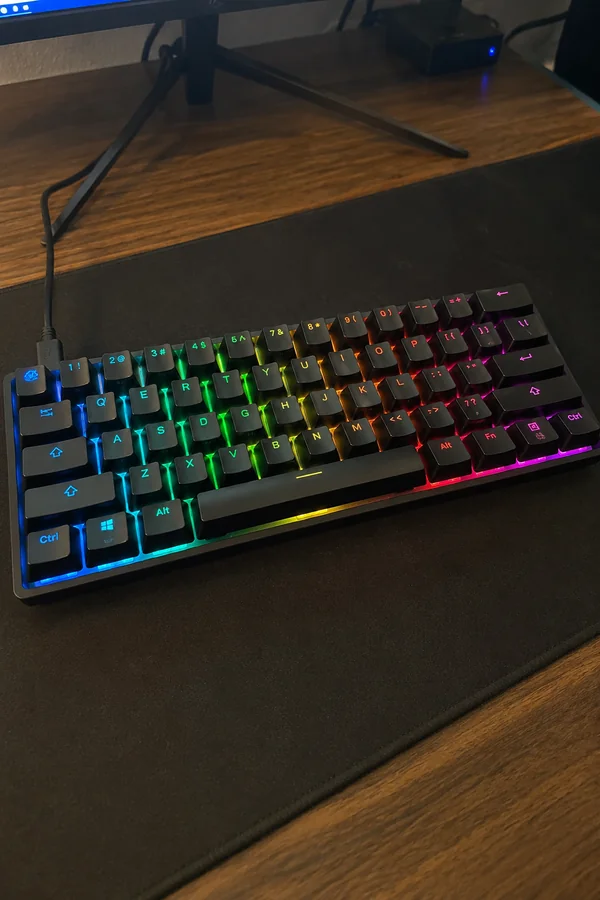
 Original
Create cleaner, sharper and more commercial Amazon product imagery while keeping the uploaded item faithful to the source.
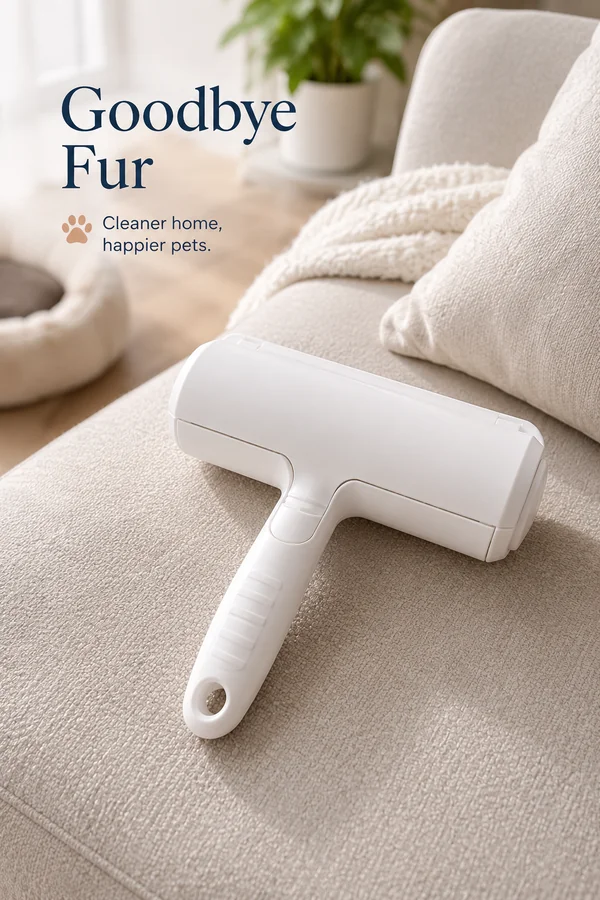
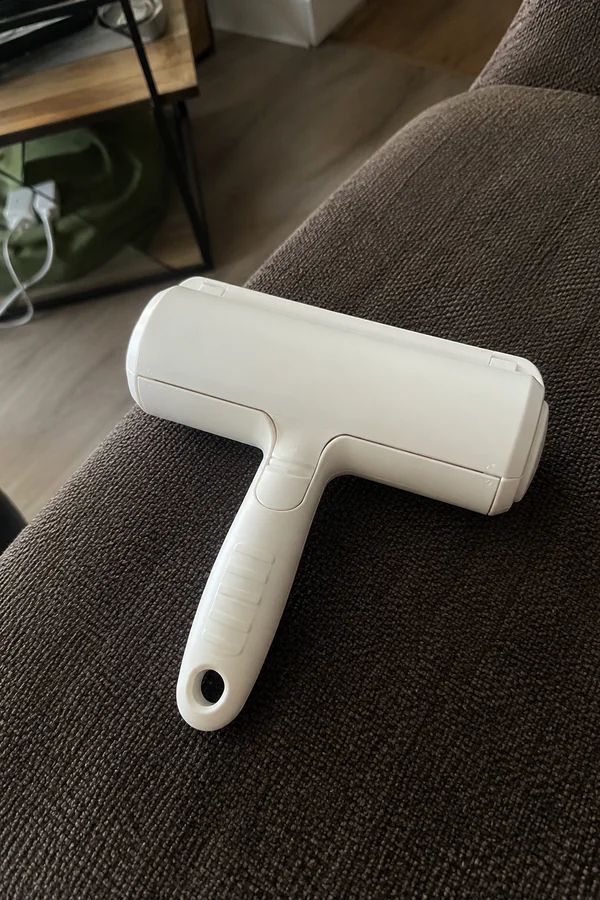
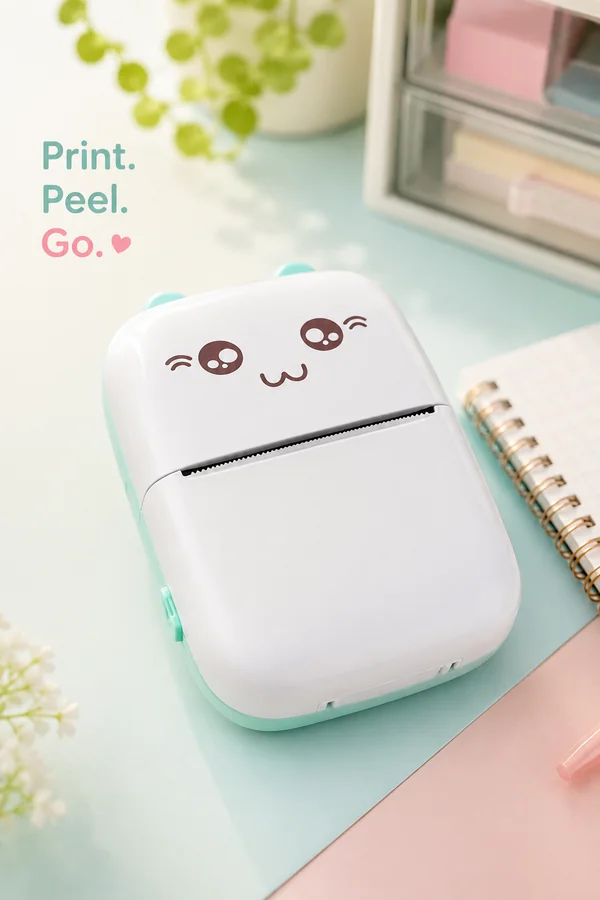
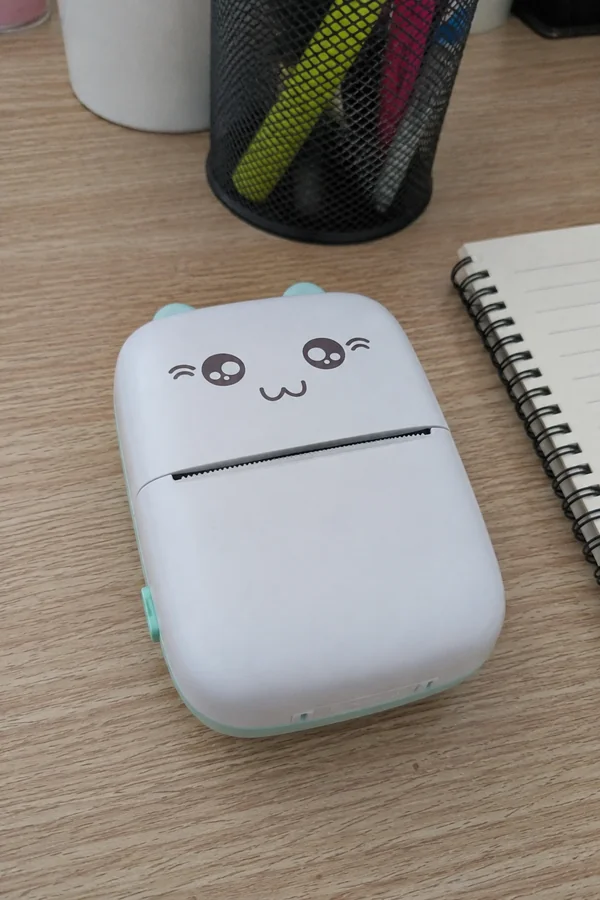
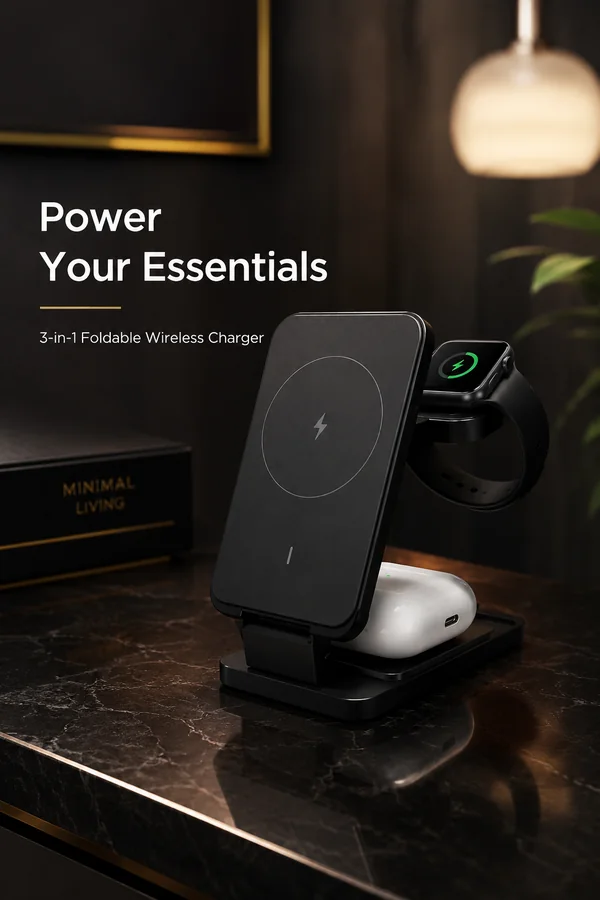
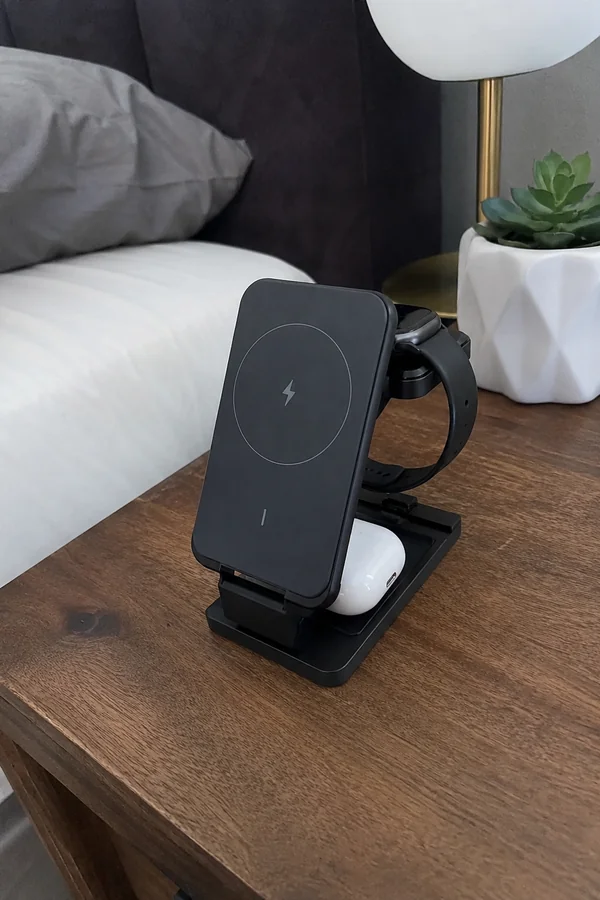
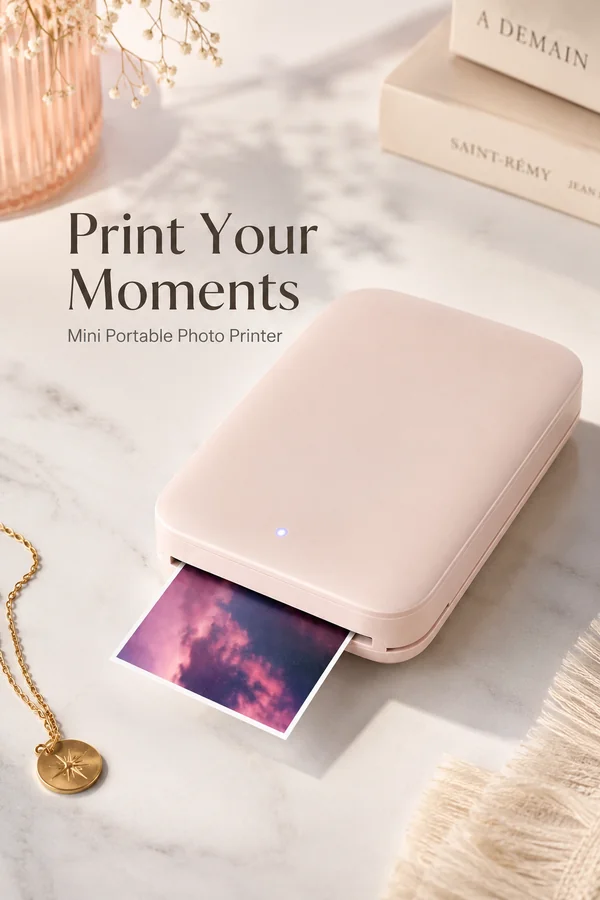
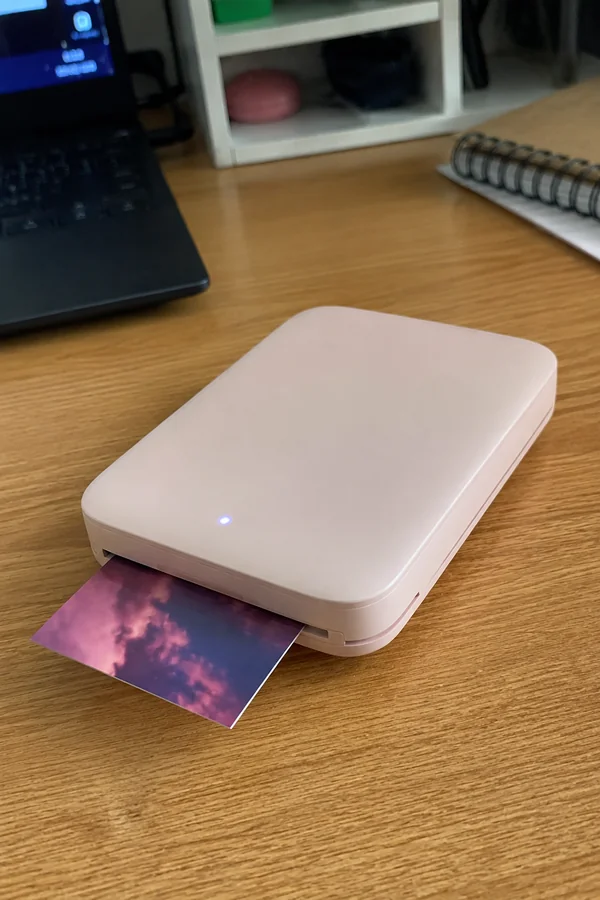
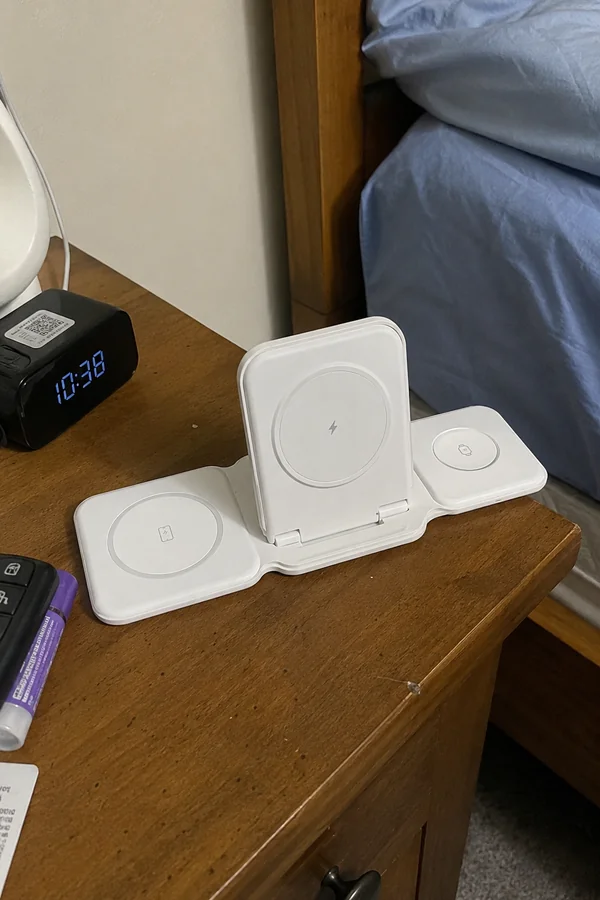
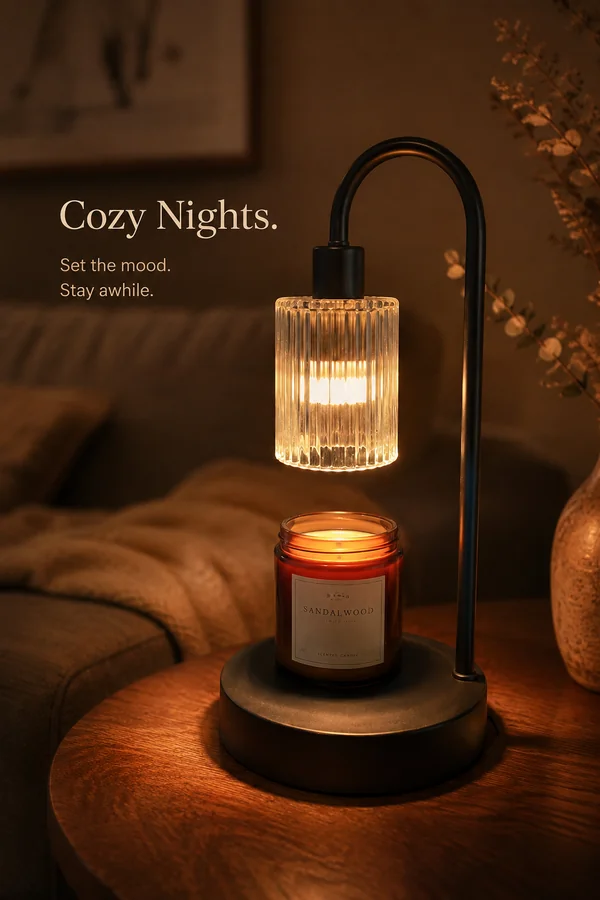
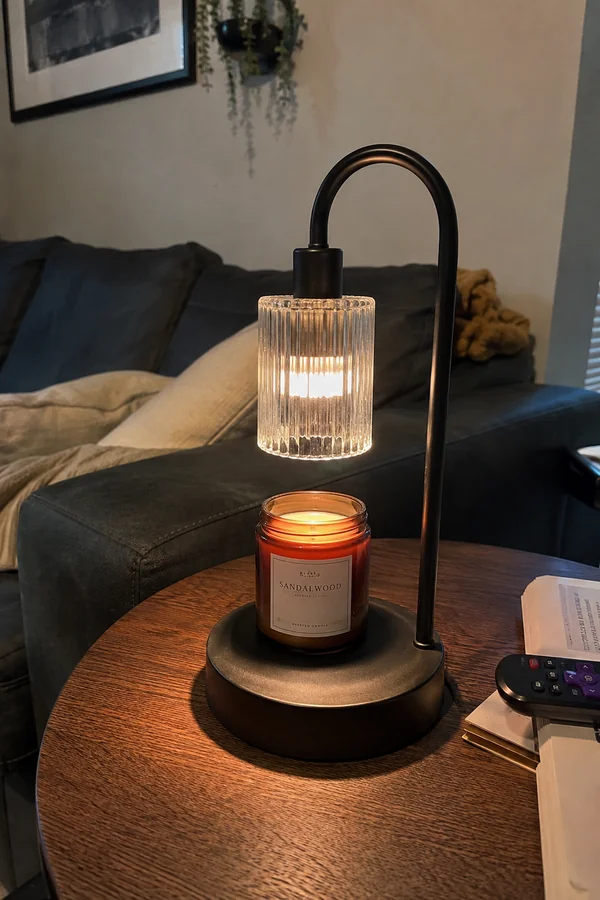
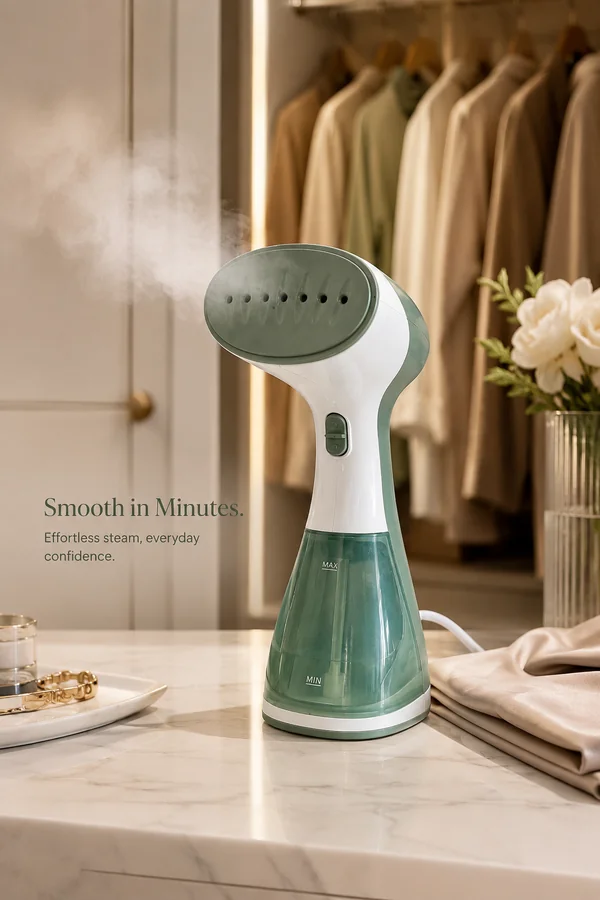
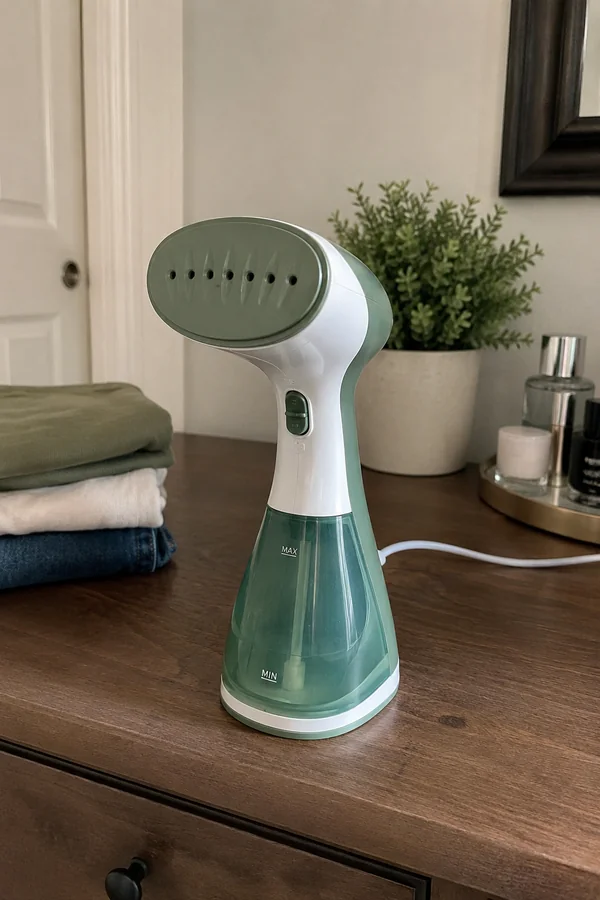
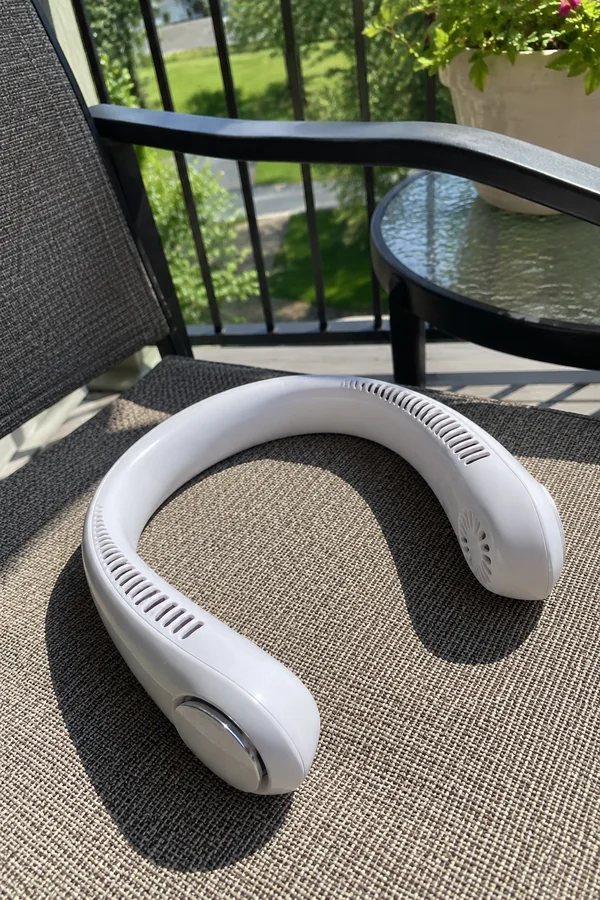
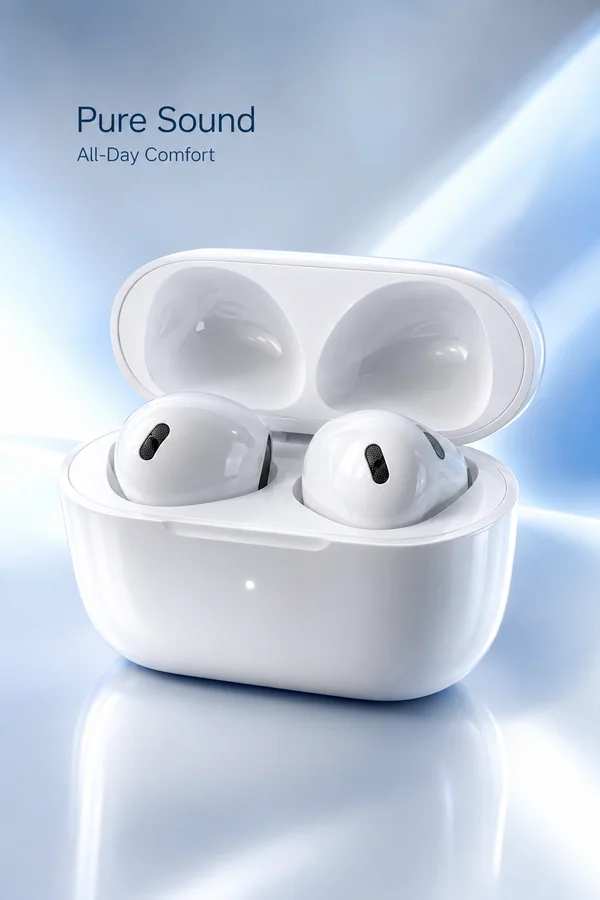
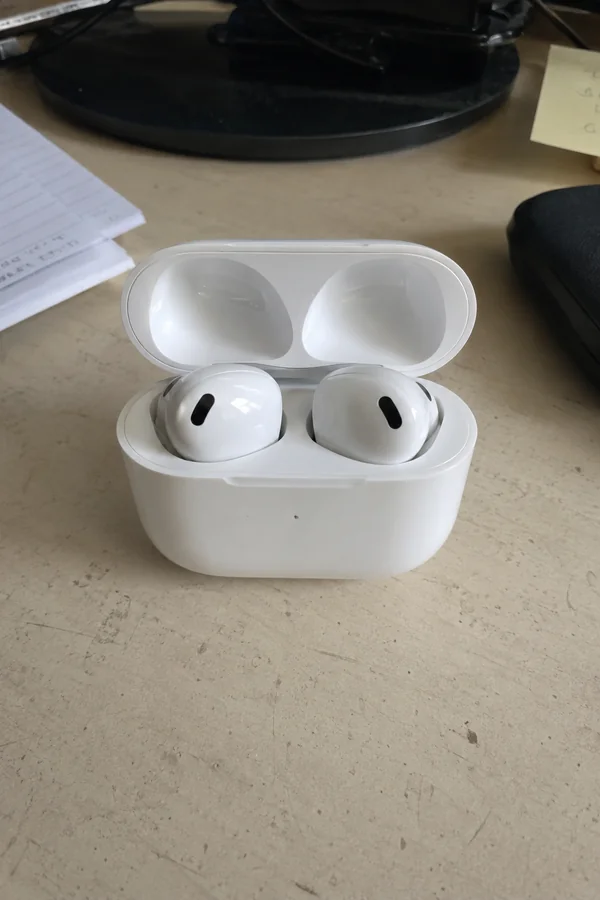
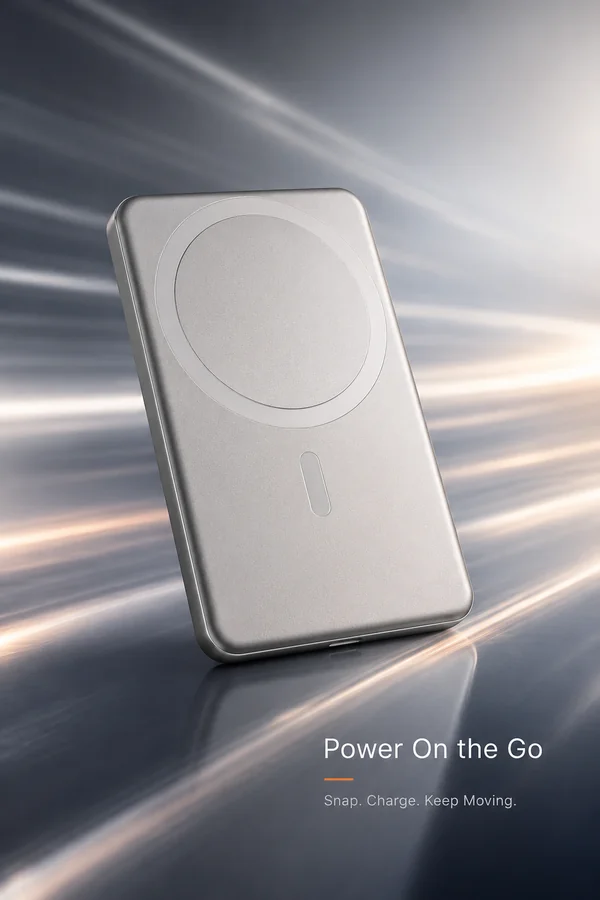
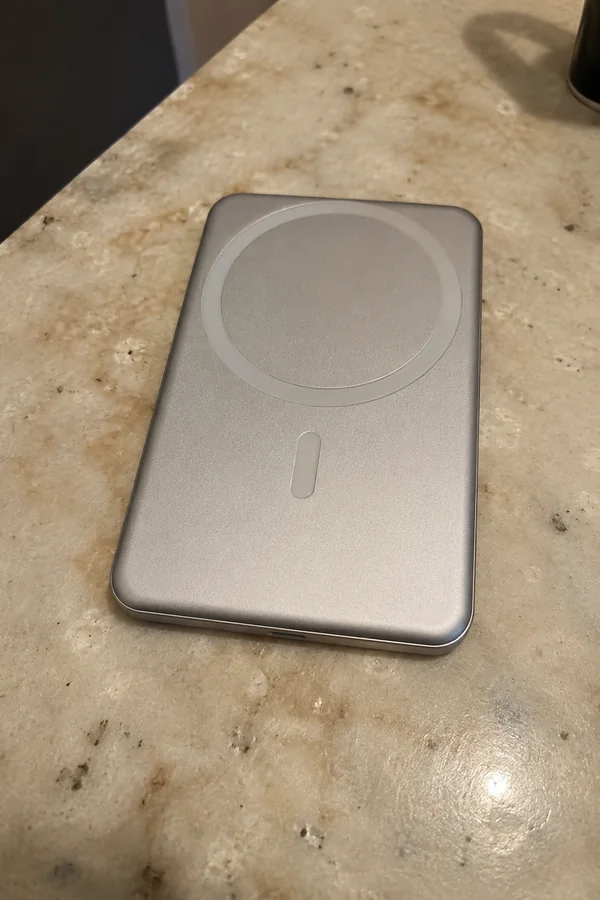
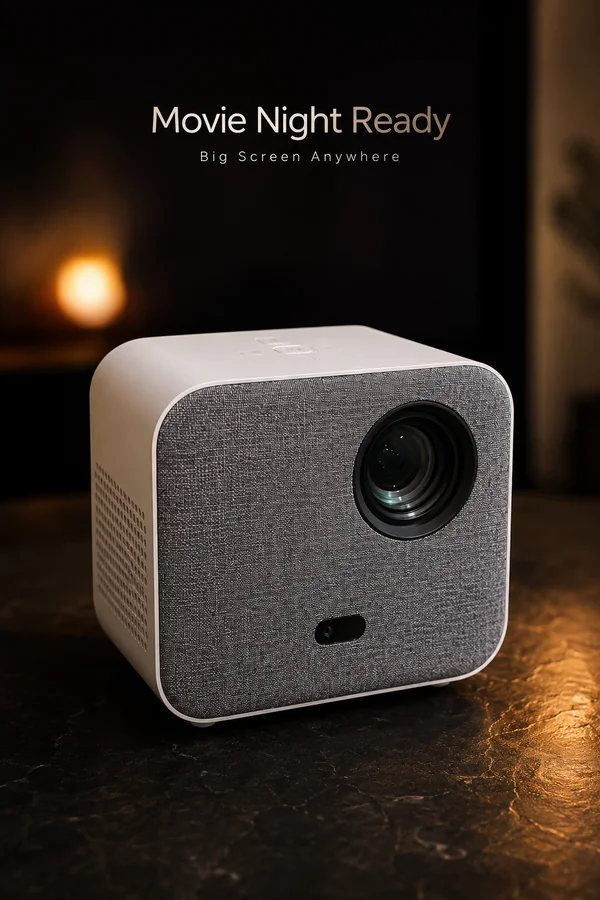
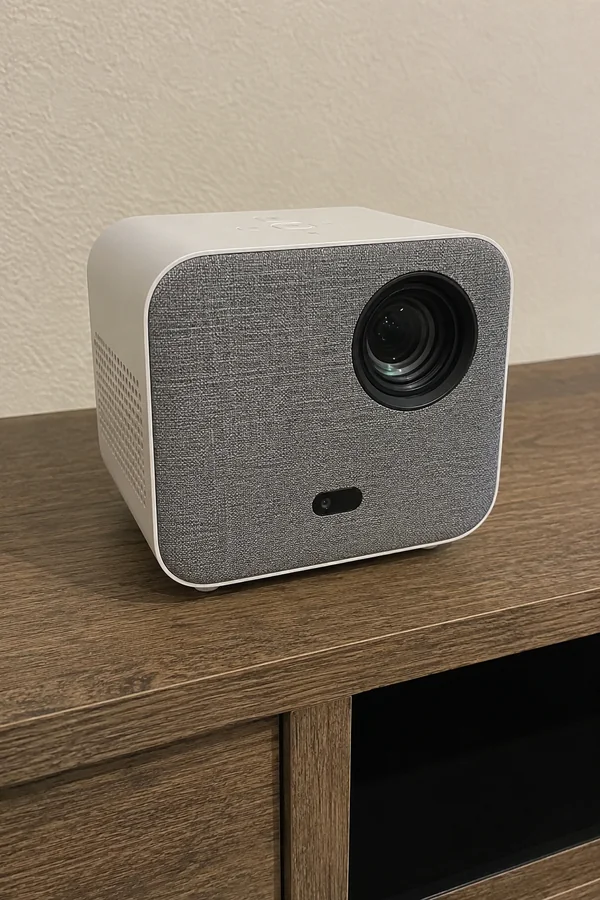
Browse real before-and-after examples. The AI result stays large, while the original source remains available in the lower-left corner and expands on hover or click for fast comparison.
Original
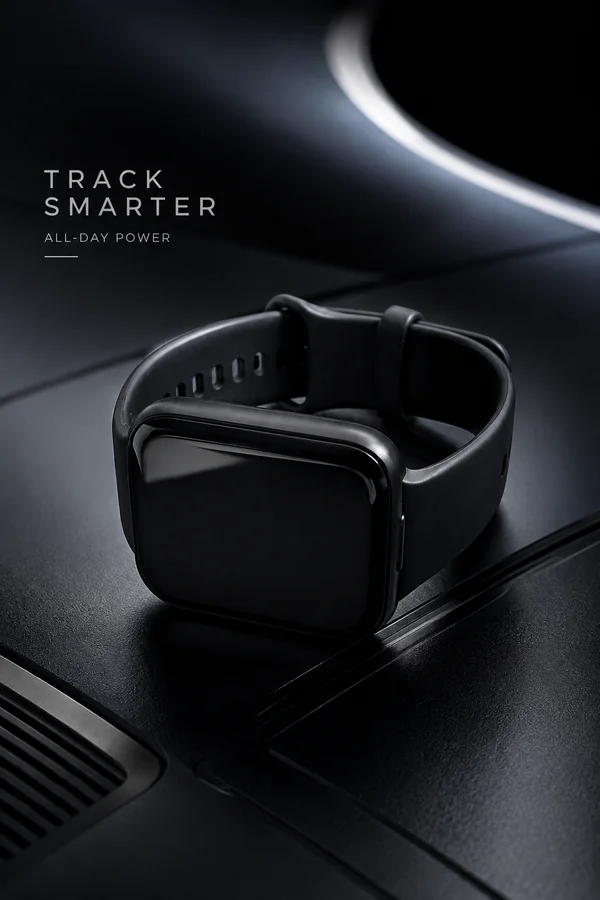
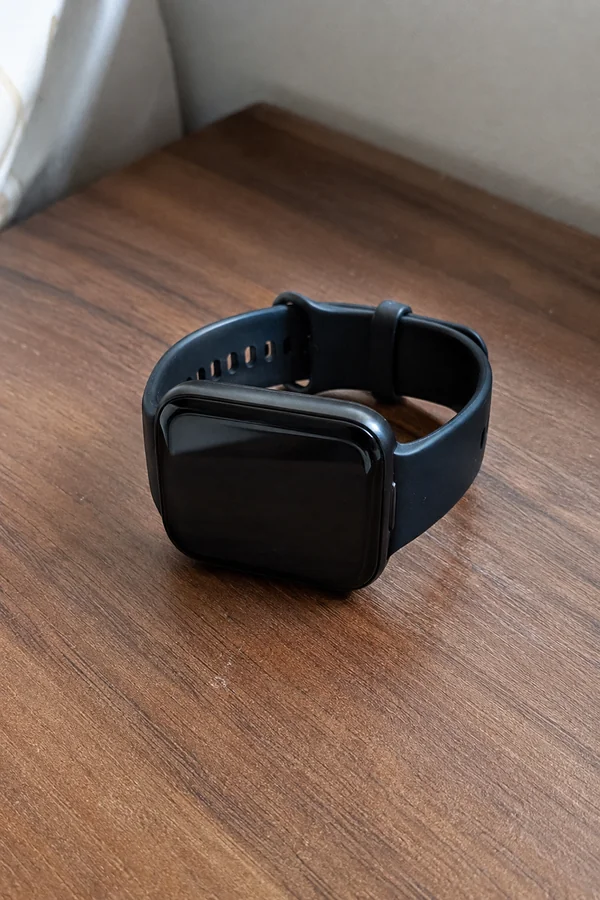 Original
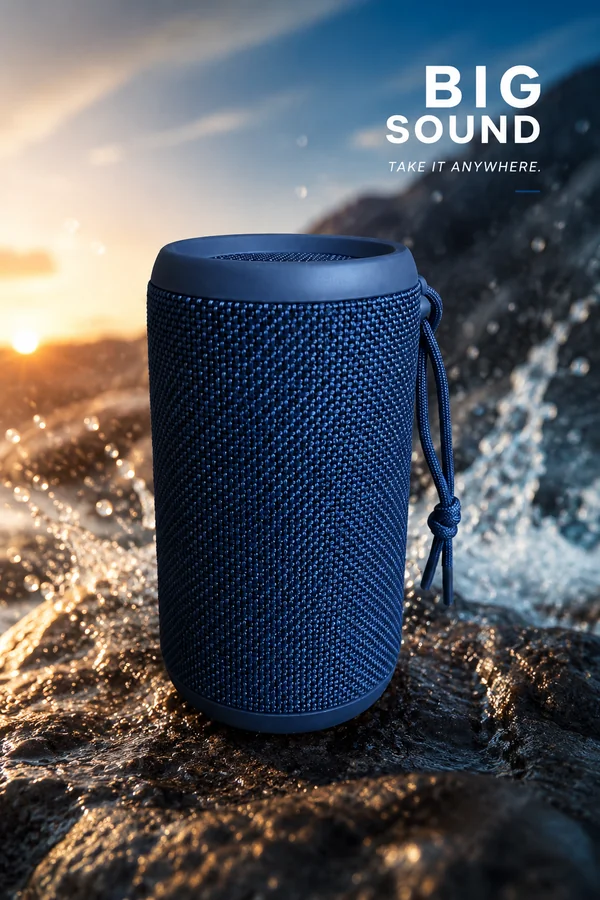
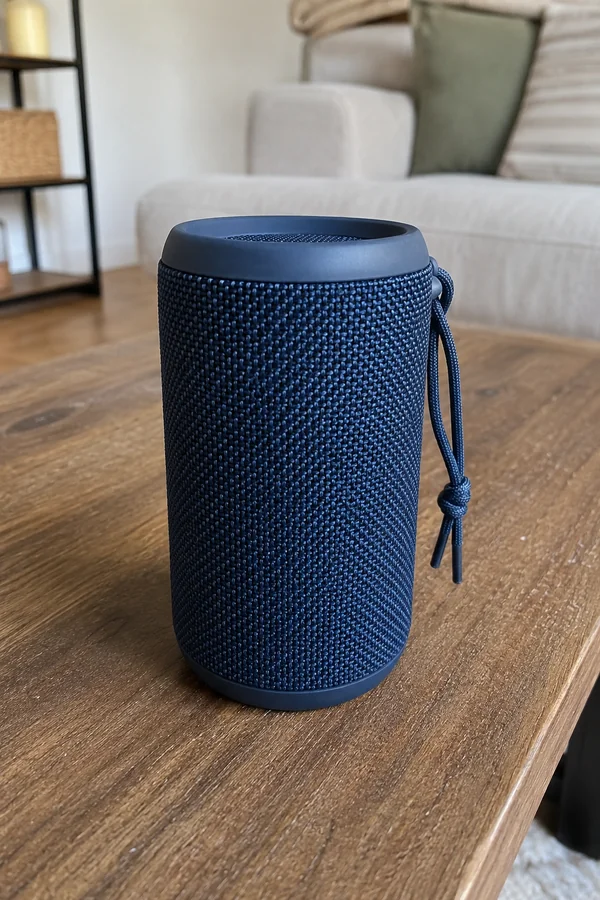 Original
 Original
 Original
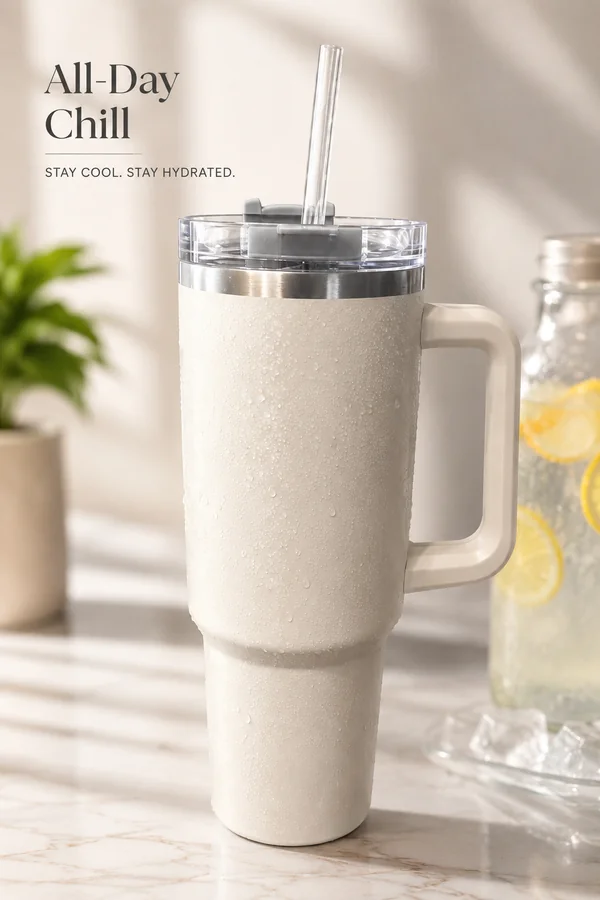
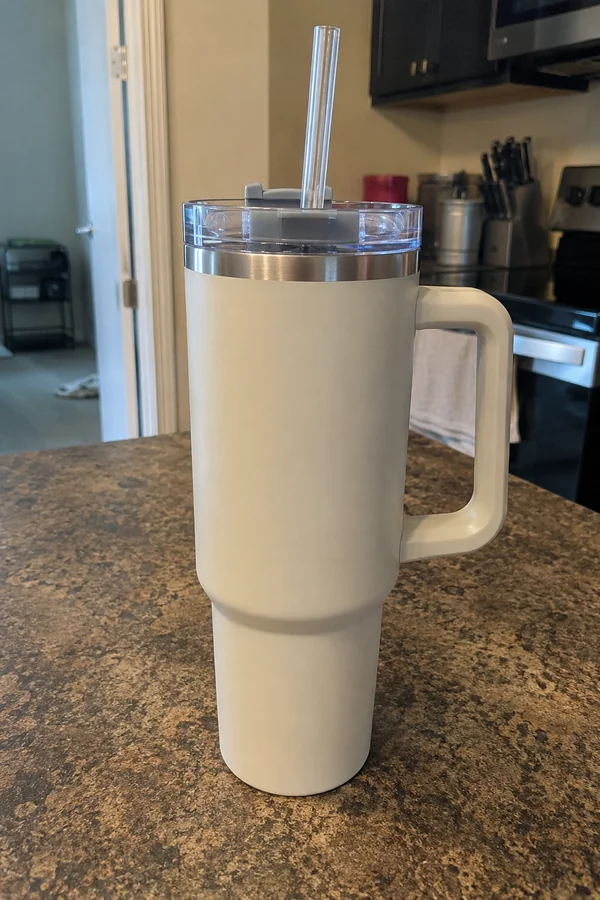 Original

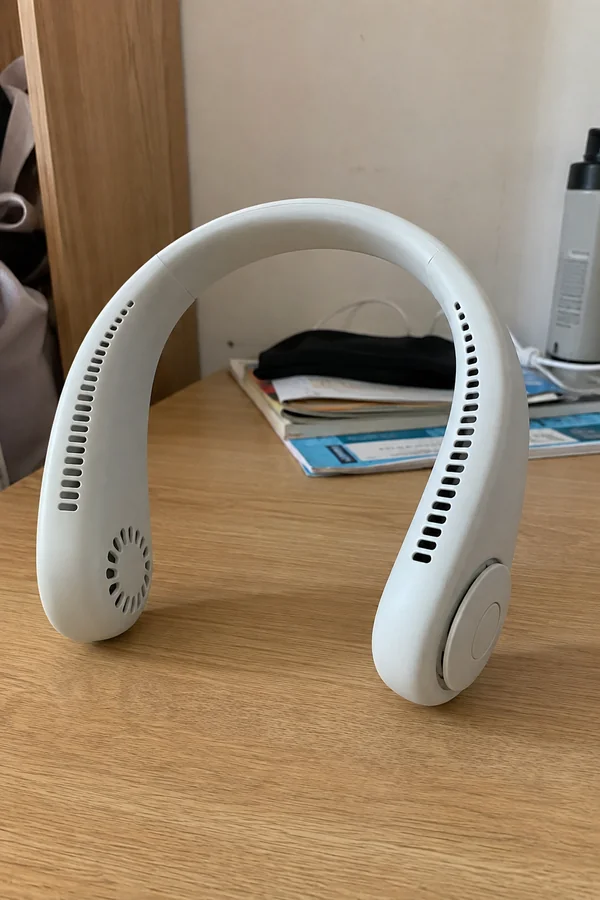 Original
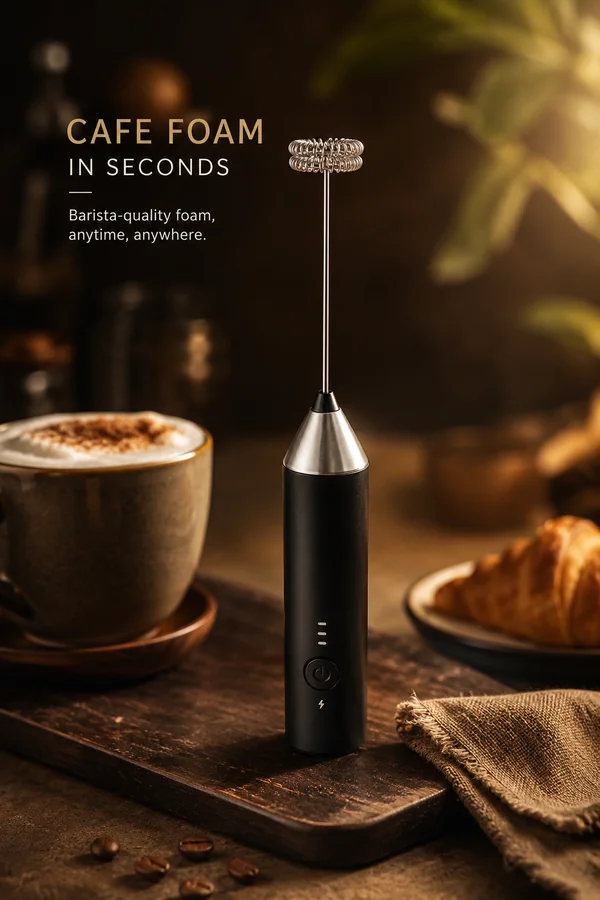
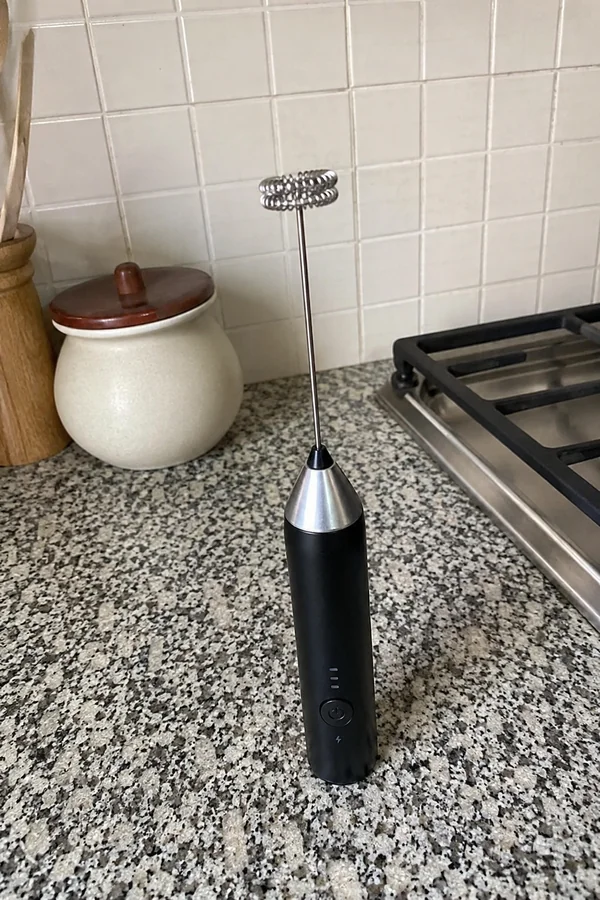 Original
Improve photography without replacing the item.
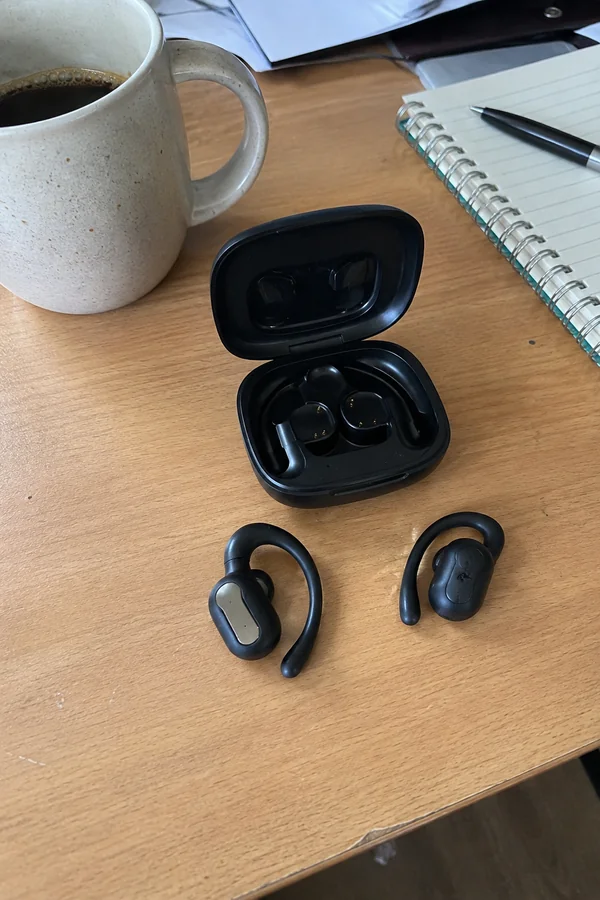
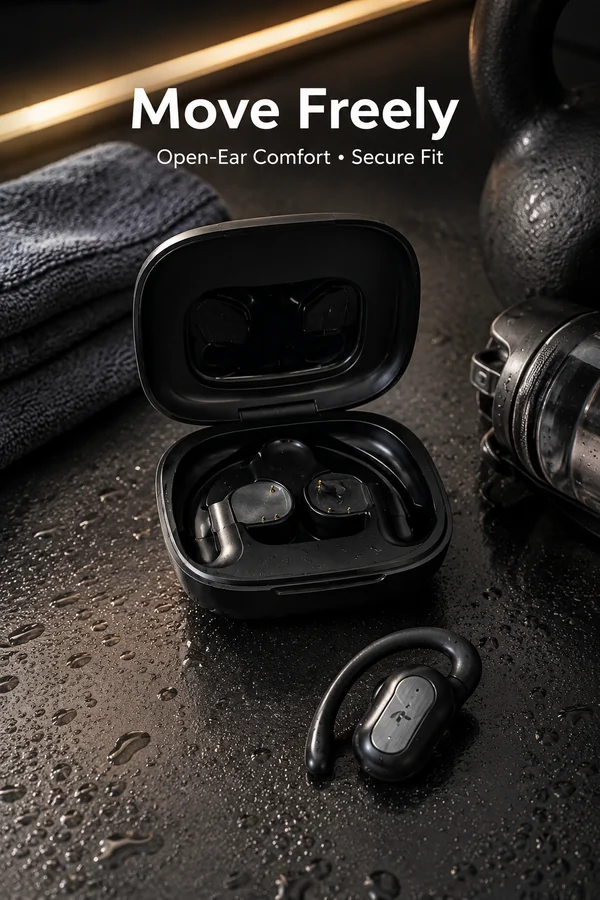
Use cleaner lighting, background and visual hierarchy for stronger selling images.
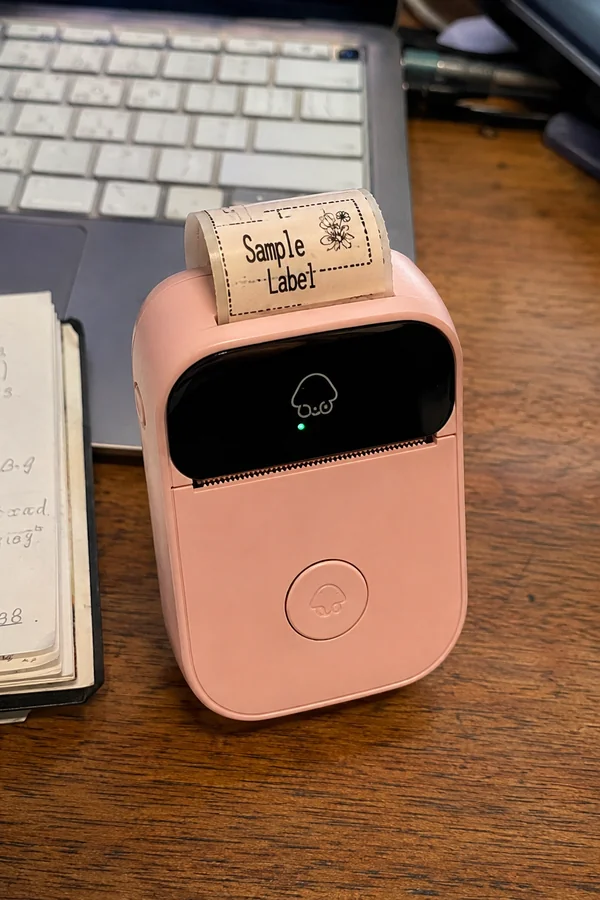
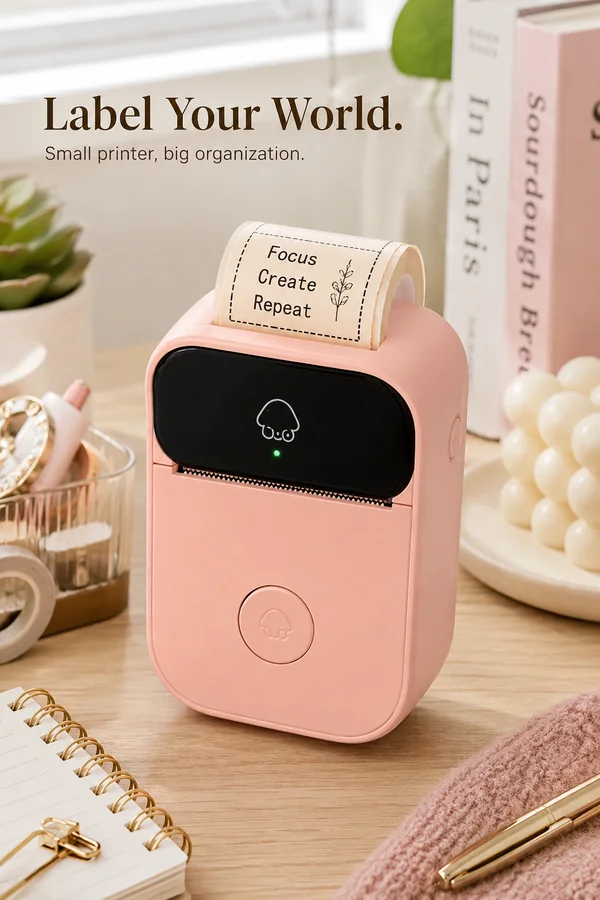
Each uploaded image runs through the selected workflow independently and produces one matching result. Images are processed one by one in upload order.
The workflow combines source-image fidelity, scene-specific prompting, batch generation and practical recovery controls for day-to-day commercial image production.
Improve photography without replacing the item.
Use cleaner lighting, background and visual hierarchy for stronger selling images.
Upload multiple images once, then process them one by one so every source image receives its own independent result.
Use the built-in scene prompt as a safe default, choose a sample direction, or write your own instructions when a campaign needs something more specific.
It uses the uploaded image as the source and applies scene-specific improvements to lighting, composition, background, styling or design while trying to preserve the important subject identity and details.
Yes. You can upload up to nine images at once. Each image is processed independently as its own generation, in order, and produces its own result.
Temporary network and internal-service errors are retried automatically once. If an item still fails, retry only that failed image without uploading the batch again.
You can choose the available AI model, resolution, image ratio and quality level before generating the batch.
No. This page includes a scene-specific default prompt. If you clear the text box and generate, the default prompt is still used automatically. You can also use the optional Replace Background and Add Text toggles or write your own direction.
Yes. Generative models can occasionally change small text, logos, fine details or factual visual information. Review outputs for accuracy, brand consistency and platform requirements before commercial use.