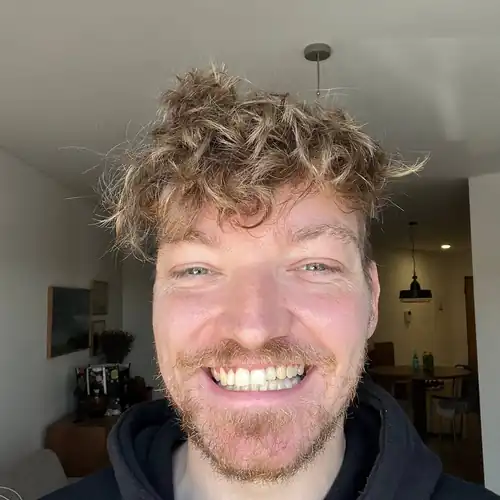
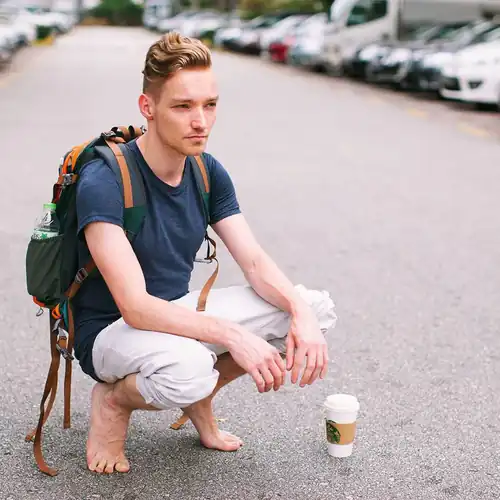
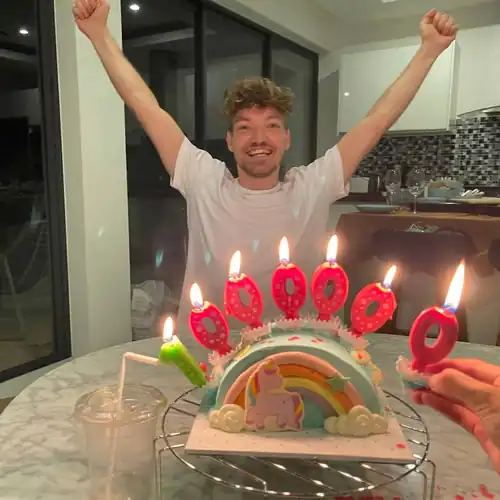
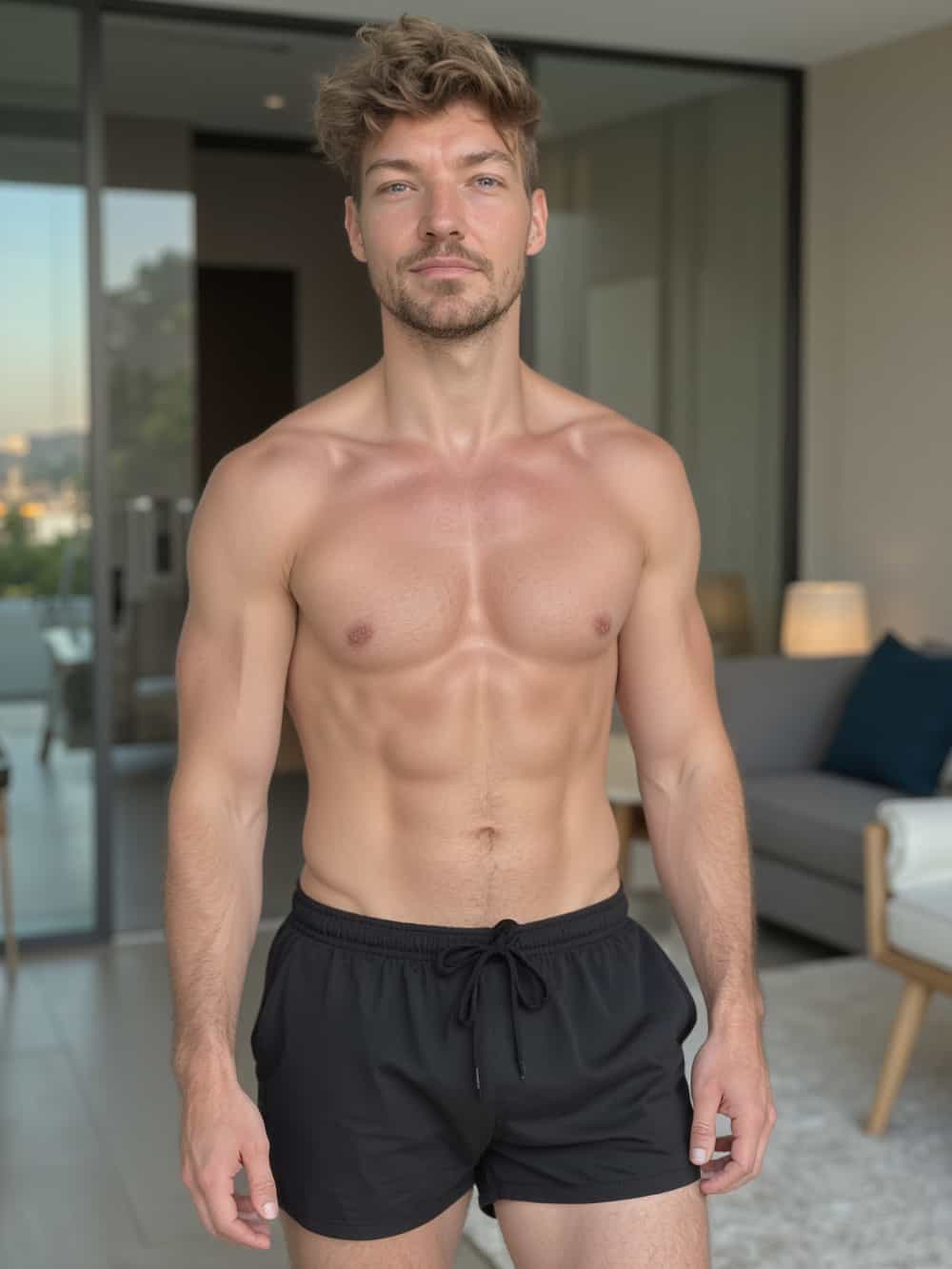
Creating realistic AI-generated photos of yourself used to require serious technical chops: GPUs, Python scripts, and days of setup. Now, thanks to platforms like Tool67, it’s as simple as uploading some selfies and in less than a minute later you have your own highly photorealistic AI photos indistinguishable from real life.Behind the scenes, it’s powered by advanced machine learning, specifically a technique called DreamBooth, running on an AI model called Flux. Here’s how it works and how you can do it both easily through Tool67 or manually on your own machine.
The technology: Tool67’s Hyper Realism
The core process is called fine-tuning. A general-purpose AI image model (originally Stable Diffusion, then improved into Flux and now our secret sauce called Hyper Realism) learns your unique identity: your face, body, expressions, angles, and overall appearance.This is achieved using DreamBooth, a method created by Google researchers. It takes a pretrained image generation model and retrains it using 5 to 20 images of you. That re-training implants your likeness into the model’s internal structure so it can generate entirely new photos of you in different contexts, outfits, and styles.Hyper Realism, used by Tool67, improves over regular Stable Diffusion and FLux by producing more consistent faces, better lighting, and sharper image quality. It is designed to handle real-world people more accurately than off-the-shelf models.
How to do it on Tool67
If you don’t want to mess with code or hardware, here’s how to do it through
Tool67 in a few minutes:
- Sign up to Tool67, login and then click [Create new AI model]
- Fill in your info:
- Name of your model (example: “Pieter 2025”)
- Gender
- Age
- Ethnicity
- Eye color
- Then upload 20 photos of yourself:
- Vary the angles, lighting, backgrounds, and expressions
- Avoid filters, sunglasses, Instagram screenshots or group photos
- Click [Create model]
The model will start training automatically. It will be done in about a minute. Then you’ll receive an email that it’s done.Each model you train receives free photos automatically generated which you’ll show pop up (if not, reload the page!).
What you get with each AI model on Tool67
Every model on Tool67 comes with dozens of AI-generated photos automatically, including:
- Professional headshots for resumes or LinkedIn
- Dating profile photos for apps like Tinder and Hinge
- Instagram-ready lifestyle content
You can generate more at any time by writing your own prompt or running a
photo pack — pre-made styles with curated lighting, outfits, and backgrounds:
Here are some of the most popular photo packs on Tool67
🔥 Popular Packs
- Tinder – Eye-catching dating profile pics with great poses and vibrant colors to help you get more matches
- Hinge – More natural, candid moments to reflect personality and spark real conversations
- Luxury Lifestyle – You in Dubai penthouses, yachts, and private jets. Opulence everywhere
- Old Money – Ivy League tennis clubs, polo outfits, and timeless rich-kid energy
- Instagram – Influencer-ready content with lighting and vibe tailored to maximize likes
🧑💼 Professional Packs
- LinkedIn Headshots – Studio-quality portraits with neutral backgrounds and sharp lighting
- Startup Founder Headshots – Bold, modern photos for pitch decks, websites, or investor decks
- CEO Headshots – Strong, formal looks for media, board meetings, and executive branding
🎭 Creative & Fun Packs
- 1950s Film Noir – Black and white drama shots with classic Hollywood lighting
- Santorini Summer – You in Mediterranean paradise, bathed in Greek island light
- Cosplay – Transform into your favorite characters with cinematic flair
- Bali Influencer – Pool villas, tropical vibes, and that Canggu aesthetic
You can browse and run photo packs any time after your model is ready. Each shoot takes just seconds and generates a full set of high-resolution, lifelike images that look like you hired a pro photographer.
Turning your AI photos into AI videos
With Tool67, any photo you take you like, you can turn into a realistic video. Just hover over the photo you like, press [ Make video ], and wait a minute:Then you’ll get a video:
How to create AI photos without Tool67 and do it locally (warning: it’s for advanced users, complex and very slow)
If you’re highly technical and prefer to run everything offline, here’s how:
- Get a high-end GPU (RTX 3090 or better recommended)
- Install the following:
- Python
- PyTorch with CUDA
- Hugging Face diffusers library
- Stable Diffusion or Flux base model
- Clone a DreamBooth repo (like diffusers/examples/dreambooth)
- Prepare your dataset:
- 10 to 20 high-quality images of yourself
- Use one consistent keyword (like person_pieter) to tag them
- Run the training script:
accelerate launch train_dreambooth.py
--pretrained_model_name_or_path=CompVis/flux
--instance_data_dir="./my_photos"
--output_dir="./my_model"
--instance_prompt="a photo of person_pieter"- After training, load the model into a local UI like AUTOMATIC1111 WebUI to generate photos
This gives you full control over the model and data. The downside is it’s slower and far more complex.Training a model of yourself with Tool67 takes 1-3 minutes. With an average laptop that’d take about 25-50 hours hoping it doesn’t crash.Generating a photo with Tool67 takes 5-10 seconds depending on the complexity, and you can take up to 16 photos in parallel. With an average laptop it’d take 5-10 minutes per photo and that’s the only photo you can take in that timespan.
Final thoughts
This used to be deep AI territory. Now, it’s creative tooling. With Tool67, you can generate stunning photos and videos of yourself without needing technical skills. For advanced users, local DreamBooth training is still an option, but for 99 percent of people, the hosted route is easier, faster, and just works.You upload photos. The AI learns your face. Then you get high-quality photos and videos of yourself in any style you want.