AI poster design · automatic image analysis · editable text and layout

Poster Maker

Turn a product, portrait, landscape, event photo or almost any image into a polished creative poster with the right layout, typography, visual hierarchy and campaign style.

Poster type
Style

Choose only the output size you need. Poster type and style are optional shortcuts; the prompt is the main creative control.

You may also like

Why choose Tool67 Poster Maker?

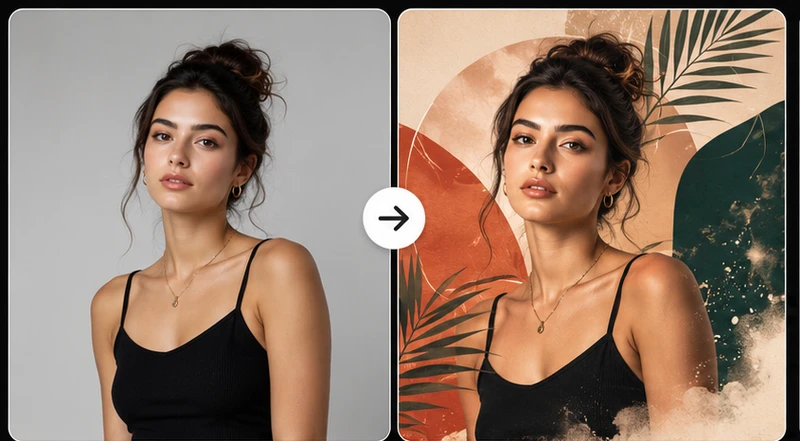
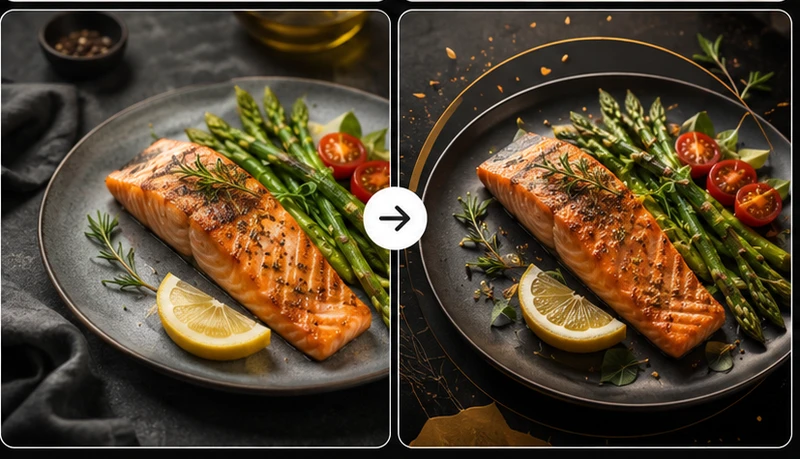
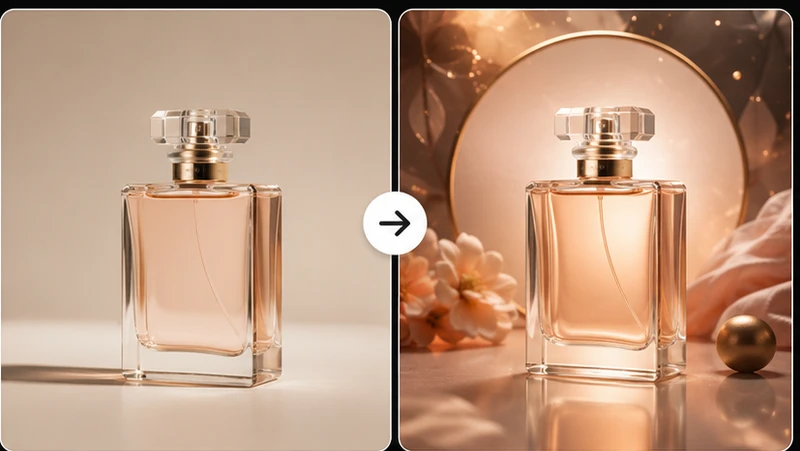
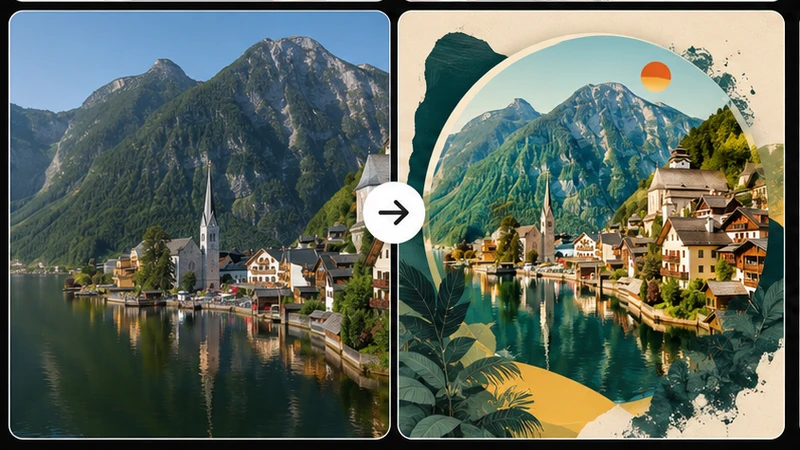
AI poster layout generated from an uploaded image

Start with almost any useful image

Upload a product, portrait, landscape, food photo, event image or other visual. Tool67 analyzes the subject and builds a poster concept around what matters most, so you do not need to choose from a rigid template library before beginning.
Poster with title and subtitle typography

Combine image design and campaign text

Add an exact title, subtitle, date, offer, location or call to action in Prompt. The model can redesign the composition around the message, creating stronger hierarchy than simply placing text over the original photo.

Poster variations in different aspect ratios

Prepare layouts for the channels you use

Quickly choose 1:1, 3:2, 2:3, 4:5, 9:16 or 16:9, then pair that ratio with 1K, 2K or 4K output resolution. This makes one source image more useful across social posts, stories, digital banners, presentations and print-oriented concepts.

Creative promotional poster concept

Explore more creative directions before publishing

Members can generate minimal, bold, luxury, cinematic, retro and editorial variations from the same source. Comparing several versions helps marketers, creators and small businesses find a stronger visual direction before committing to a campaign.

Tool guide

What is AI Poster Maker and when should you use it?

Tool67 AI Poster Maker turns an uploaded image into a complete promotional poster by analyzing the subject, choosing a suitable composition and adding the visual hierarchy needed for titles, subtitles and campaign messages.

Best image to upload

Use a clear product, portrait, landscape, food, venue or event image with a recognizable main subject. Better source images give the model more freedom to crop, extend, relight and compose the final poster, especially when you choose 2K or 4K resolution with Medium or High quality.

Practical ways to use it

  • Create product ads, sale graphics and launch posters
  • Design event, movie-style, travel and portrait posters
  • Adapt one image for social, mobile, widescreen and print layouts

What to check before publishing

Review all generated text, dates, prices, names, logos and small details before publishing. Short titles and subtitles usually render more reliably than long paragraphs.

AI Poster Maker or Image to Image?

Use Poster Maker when you want a finished promotional layout with typography and campaign hierarchy; use Image to Image for broader visual transformations. Open Image to Image.

Why members get more value from this tool

Poster design improves through comparison. Members can test several layouts, aspect ratios, typography directions, resolution levels and quality settings before choosing the strongest poster version.

More room to compare, refine and finish

Use additional generations to test meaningful variations, keep the strongest result and continue working across more images.

View credits and membership

Create polished posters from your own images

Tool67 AI Poster Maker analyzes the uploaded image and creates a complete poster concept around its strongest subject. It can recognize products, people, landscapes, food, events and other content, then choose an appropriate promotional layout automatically.

Automatic poster planning

When no quick option is selected, the model decides whether the image works best as a product advertisement, portrait poster, event promotion, travel design, cinematic key art or another creative layout. It may extend the background, reposition supporting elements, create copy space and improve lighting while protecting the important subject.

Poster types and visual styles

Common canvas sizes

How to request poster text

Use short exact wording and label each part clearly, such as Title:, Subtitle:, Date:, Offer: and Call to action:. The Sample link inserts a complete example that you can edit before generating.

Best results

Upload a clear image with a strong subject. Keep titles concise, avoid long paragraphs, and review spelling, prices, dates and brand names before publishing or printing.

Can the tool decide what kind of poster fits my image?

Yes. If you leave the quick options blank, the model analyzes whether the upload is a product, portrait, landscape, event image or another subject and creates a suitable poster direction automatically.

Can I choose the poster resolution and ratio?

Yes. Use image-ratio buttons such as 1:1, 3:2, 2:3, 4:5, 9:16 or 16:9, then choose 1K, 2K or 4K resolution.

Can the poster include a title and subtitle?

Yes. Add the exact title, subtitle, date, offer or call to action in Prompt. The Sample link inserts a complete editable example.

Will the original person or product stay recognizable?

The prompt protects the main subject, face, product identity, logo and important details while allowing the background, layout, typography and composition to be redesigned as a poster.

Can I create a poster without choosing any quick option?

Yes. Upload an image and start directly for an automatic creative poster, or use quick options for more control.

Is AI-generated poster text always perfect?

Short, clear text usually works best, but you should review spelling, dates, prices and brand names before publishing or printing.