Take photos
Take photos against a clear background or download photos from any stock photo sites. Make sure its foreground can be identified from the backdrop.
Isolate people, products, pets and objects, refine difficult edges, and prepare clean transparent assets for stores, designs and social content.
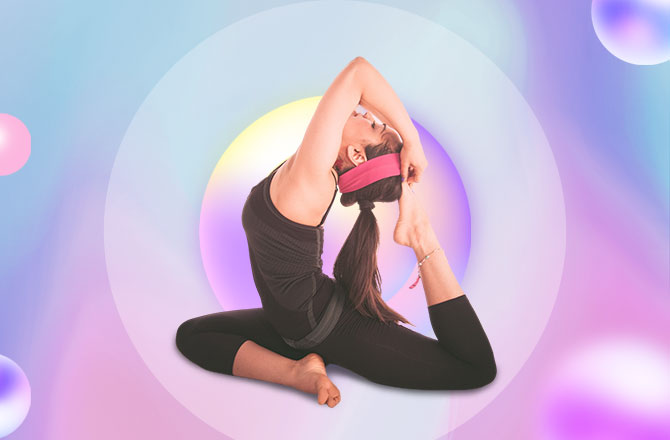
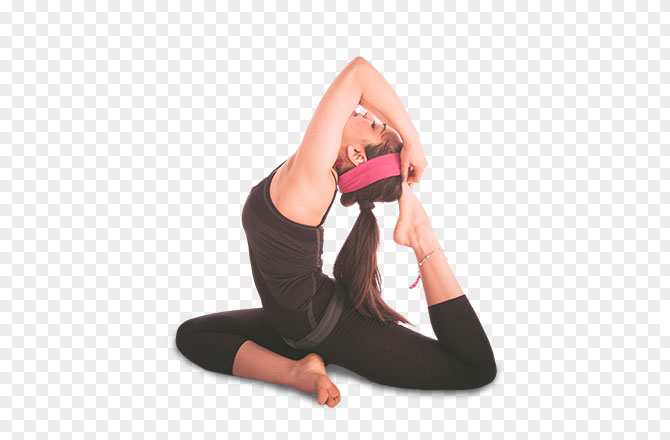
By uploading, you confirm you own the rights to this image, accept full responsibility for its use, and agree to our Terms of Service and Privacy Policy.
Take photos against a clear background or download photos from any stock photo sites. Make sure its foreground can be identified from the backdrop.
Upload photos with the unwanted background to Mac, Windows, or Linux by clicking the drag & drop or pasting the image URL. Delete background like magic!
Click to remove the background. Download PNG results for low-resolution photos or buy credits to download HD photos
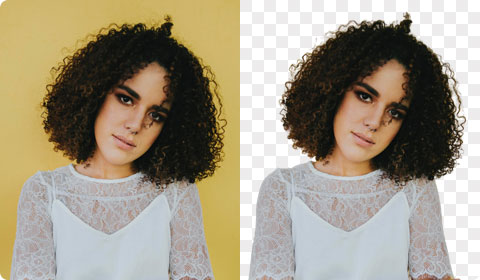
Prepare people for profiles, posters and personal branding.
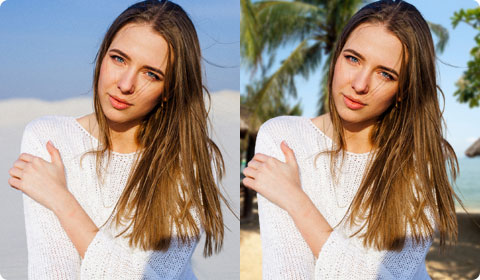
Move a clean subject into Background Replace for a new scene.
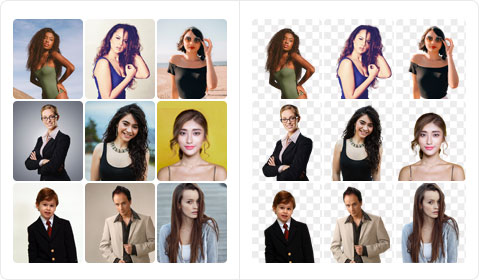
Create consistent staff and directory portraits.
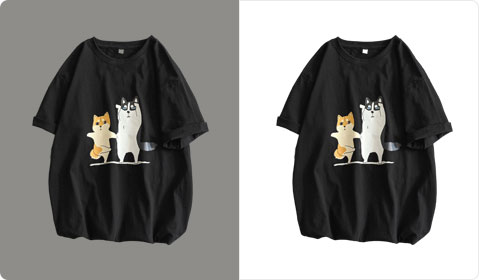
Center products on transparent or clean store canvases.
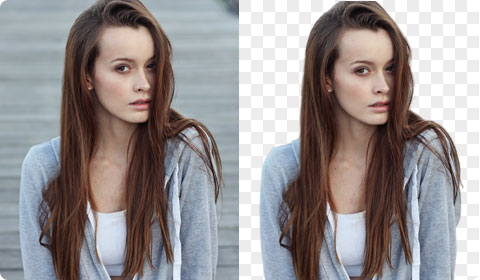
Prepare isolated subjects for slides, covers and graphics.
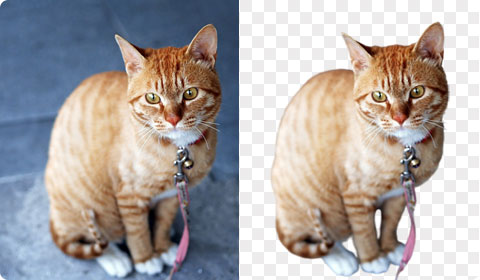
Preserve fur edges for avatars, gifts and stickers.
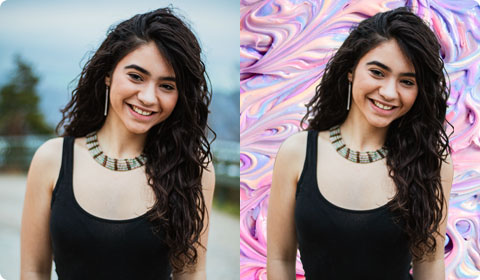
Create reusable cutouts for thumbnails, posts and stories.
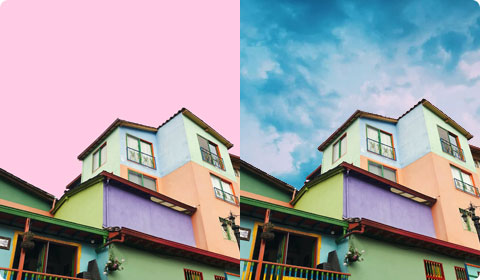
Extract buildings for listings and design compositions.
Create a transparent background instantly and turn your images into art, stunning banners, visual presentations, product catalogs and graphics. Fully customizable on your needs.
no background,more creativeOne isolated subject can become a transparent asset, store image, campaign graphic, sticker or profile picture.
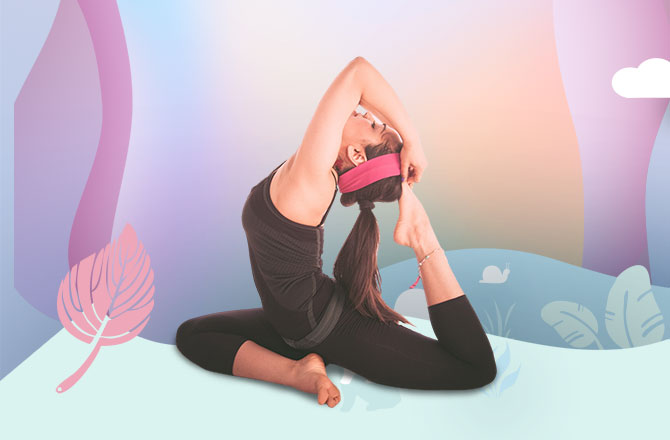

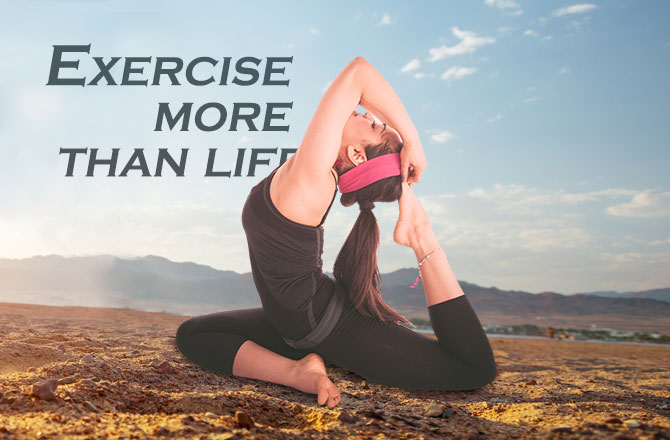
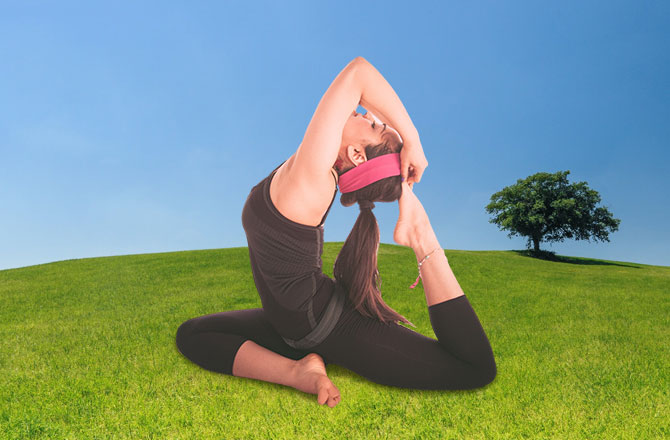
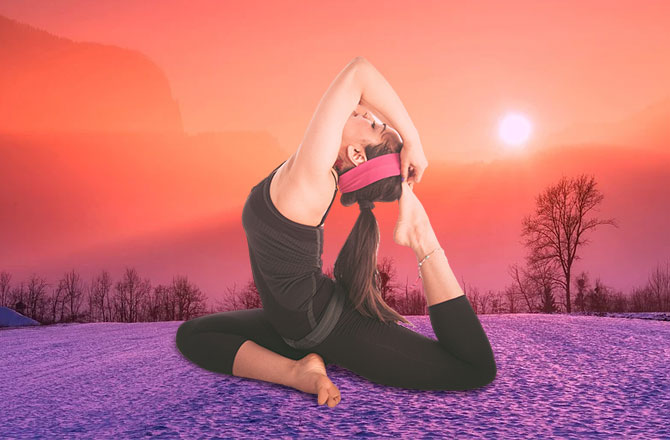
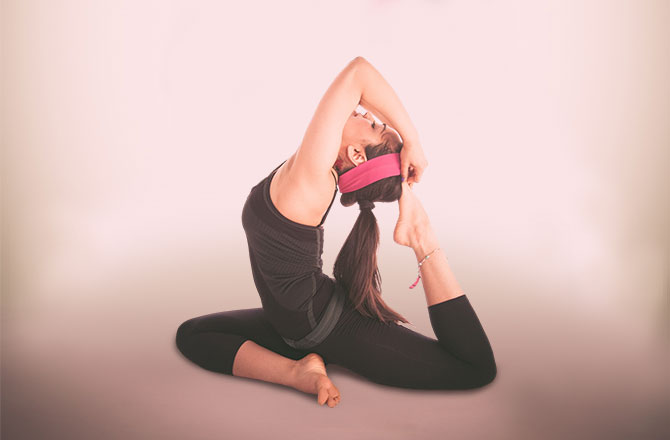
Use a clearly visible subject with reasonable contrast from the background. Fine hair, glass, smoke, reflections and motion blur may need extra refinement.
PNG is the standard choice for transparency. WebP can also support transparency, while JPG requires a solid background.
Some viewers display transparent areas as black, white or checkerboard. Place the image over another background to verify it.
Images may be optimized before processing. Final resolution depends on the uploaded file, processing workflow and selected output settings.