Image Upscaler
Primarily increases pixel dimensions.
Upload a low-quality image, diagnose what is wrong, and apply a recovery workflow designed for portraits, products, illustrations and real-world photos.
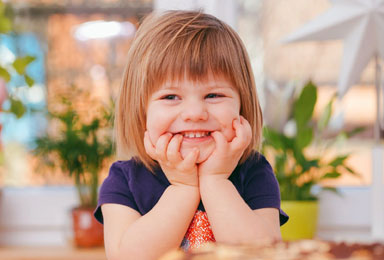

Each uploaded image will return one improved version.
Switch between edge, texture, noise and compression views to understand the recovery strategy without exposing complicated model settings.
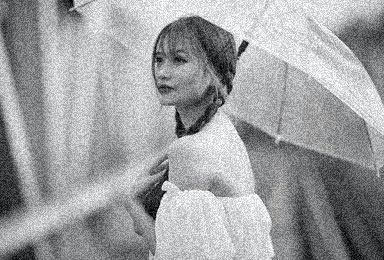
Whole-image previews can hide artifacts. Inspect faces, edges and textures at a closer scale before downloading.
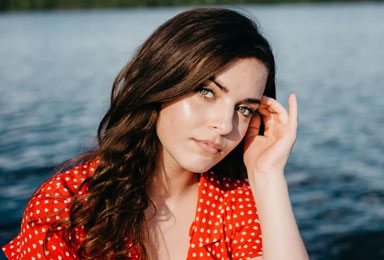
 ORIGINALRECOVERED
Keep identity, colors, product labels and original style protected while limiting plastic skin, edge halos and invented texture.
Primarily increases pixel dimensions.
Diagnoses blur, noise, compression and missing clarity.
Targets scratches, tears, fading and historical-photo damage.
Optimizes illustrated lines, flat colors and animation artwork.
AI enhancement reconstructs visually plausible detail; it cannot guarantee recovery of information that was never captured. Check faces, eyes, teeth, logos, text, repeated patterns and fine product details carefully.