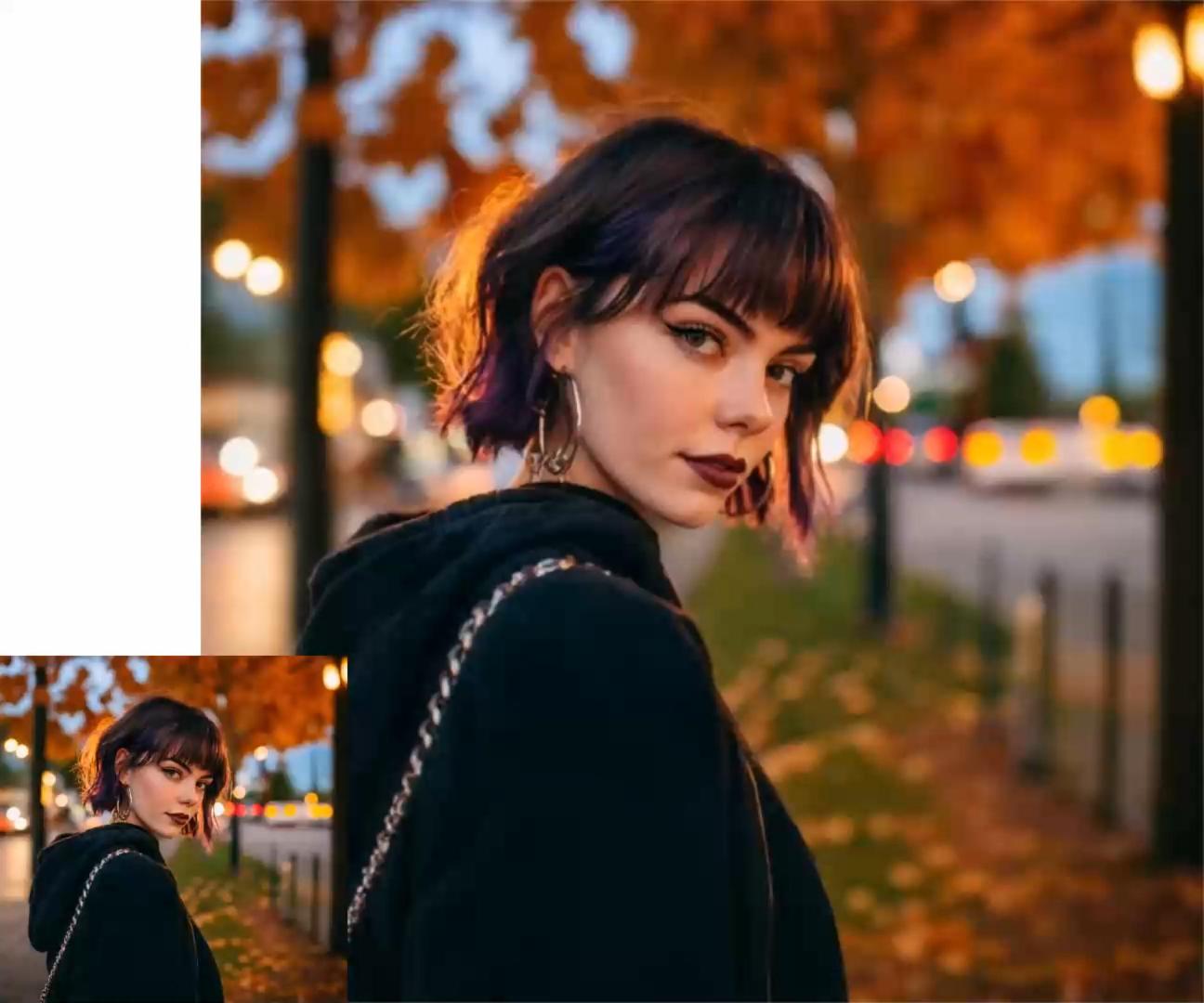
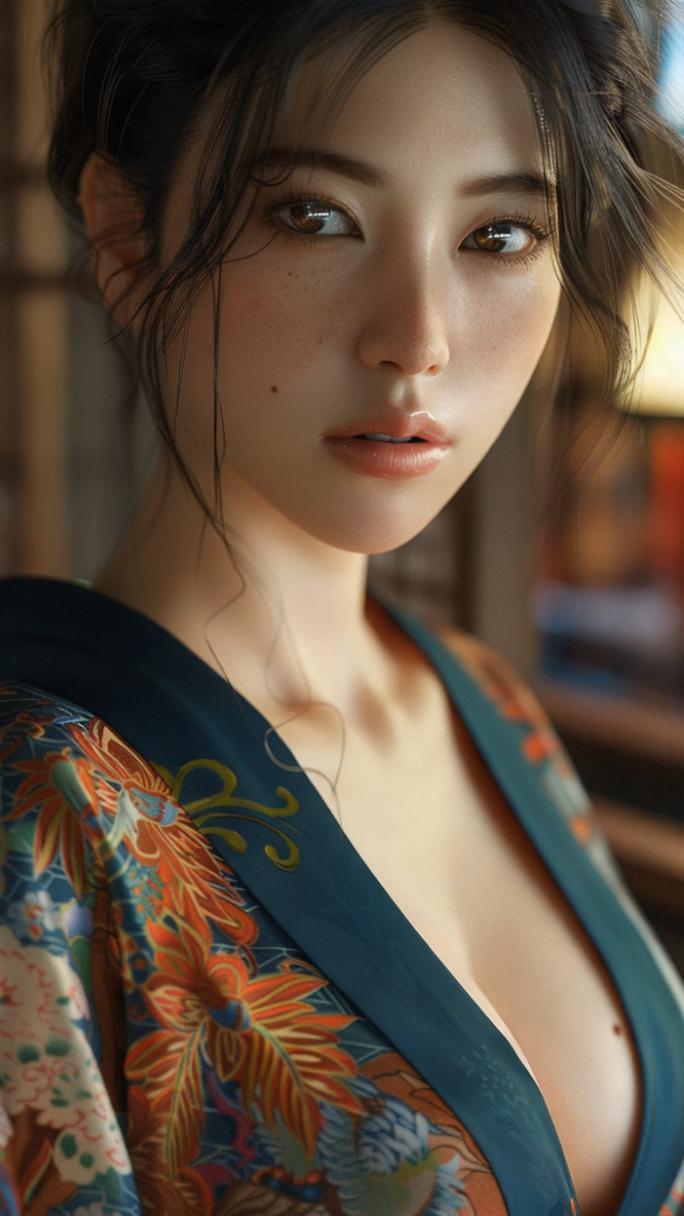
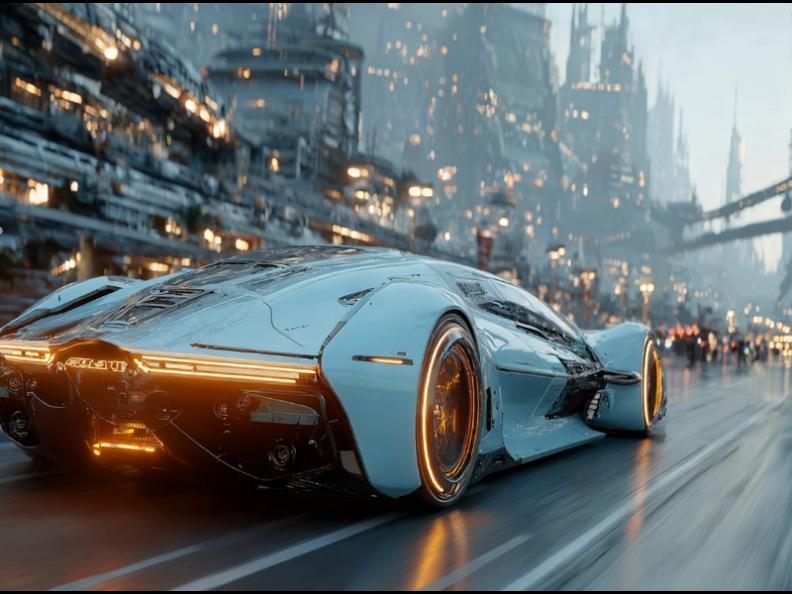
Yes. This page supports both text-to-video and image-to-video. Uploading a reference is optional.
How many reference images can I upload?
The selected video model determines the reference-image limit. The first image can be the primary frame when supported; additional references can support identity, style or scene consistency.
How are credits calculated?
The live cost comes from the selected video model and duration. Your remaining credits and the cost of the current generation are shown directly below the Generate button.
Which camera setting should I choose?
Auto works for most prompts. Slow Push-in suits portraits and reveals, Orbit works well for products, and Follow Subject is useful when the subject moves through the frame.
Where does the generated video appear?
The result area stays hidden until generation starts, then appears directly below the workspace with progress, timer and download control.
Why can video results vary from the reference image?
More motion gives the model more freedom. Clear prompts, stable reference images and simpler camera direction usually improve visual consistency.